Advanced Gaming PC Cooling 2026: Liquid vs. Air
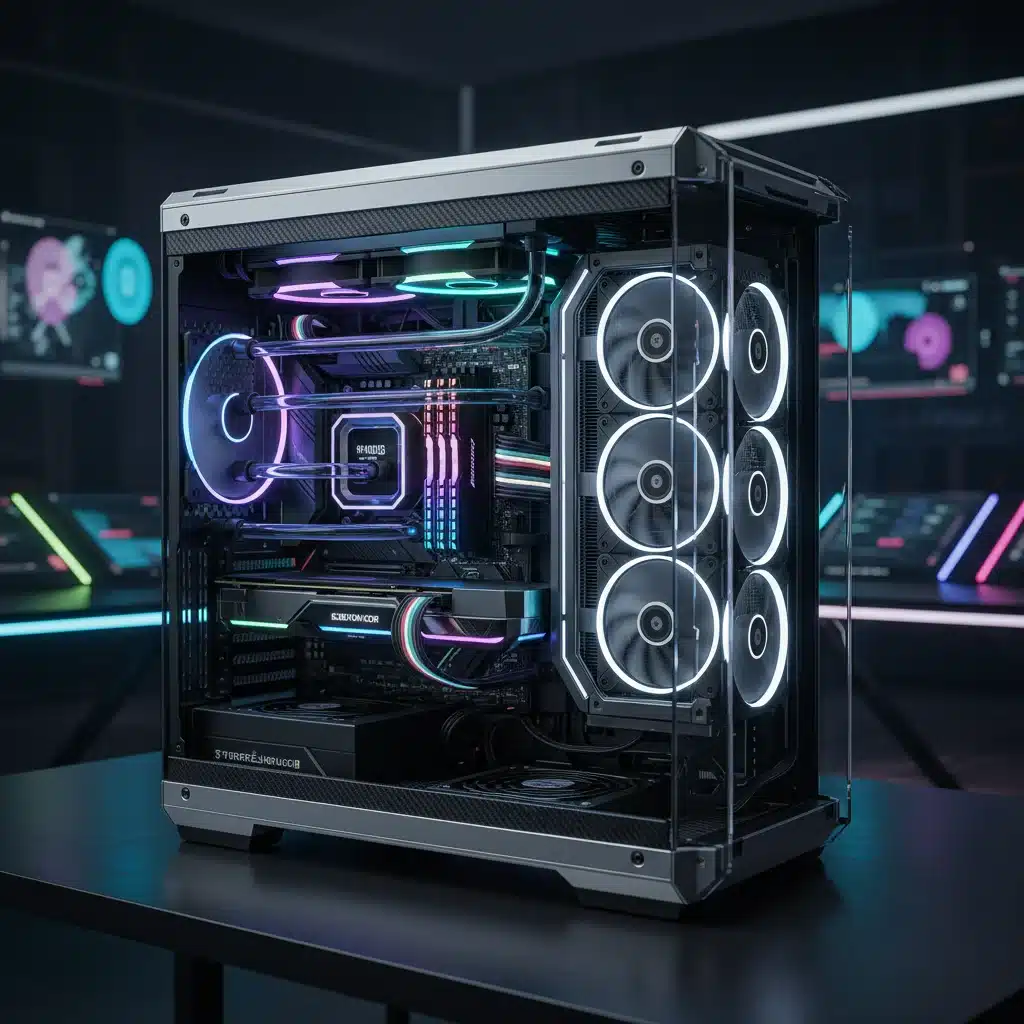
In the relentless pursuit of gaming supremacy, the performance of your PC hinges not just on raw processing power, but crucially, on its ability to manage heat. As we hurtle towards 2026, the demands placed on CPUs and GPUs are escalating, with new generations of hardware pushing thermal envelopes further than ever before. This necessitates a deep dive into advanced Gaming PC Cooling solutions, where the age-old debate of liquid cooling versus high-end air coolers continues to evolve. Our goal today is to dissect these technologies, understand their nuances, and ultimately, guide you towards achieving a significant 10°C temperature reduction, ensuring your gaming rig operates at peak efficiency and longevity.
The modern gaming landscape is unforgiving. Ultra-high resolutions, ray tracing, complex physics engines, and demanding AI all conspire to generate immense heat within your system. Unchecked, this heat leads to thermal throttling, where your components automatically reduce their clock speeds to prevent damage, directly impacting your frame rates and overall gaming experience. Therefore, investing in superior Gaming PC Cooling isn’t just about preserving hardware; it’s about unlocking its full potential and maintaining consistent, butter-smooth performance even during the most intense gaming sessions.
This article will serve as your definitive guide to understanding the cutting-edge of PC cooling for 2026. We’ll explore the advancements in both liquid cooling and high-end air cooling, providing you with the knowledge to make an informed decision for your specific build. Whether you’re a seasoned overclocker or a casual gamer looking for a cooler, quieter system, reducing your PC’s temperature by 10°C can make a world of difference. Let’s embark on this journey to a cooler, faster gaming future.
The Criticality of Temperature Management in 2026 Gaming PCs
Before we delve into the specifics of cooling technologies, it’s vital to grasp why temperature management is more critical than ever for 2026 gaming PCs. Processors and graphics cards are becoming increasingly powerful, packing billions of transistors into smaller dies. This increased density, combined with higher clock speeds and power consumption, inevitably leads to greater heat generation. Without adequate Gaming PC Cooling, these components quickly reach their thermal limits.
Thermal Throttling: The Silent Performance Killer
Thermal throttling is the primary nemesis of high-performance computing. When your CPU or GPU detects that it’s operating above a safe temperature threshold, it automatically reduces its operating frequency and voltage. This safeguard prevents permanent damage but comes at the cost of significantly reduced performance. Imagine your high-end gaming PC struggling to maintain stable frame rates in your favourite title, not because it lacks power, but because it’s too hot. This is a common scenario for systems with inadequate cooling.
Longevity and Stability
Beyond immediate performance, sustained high temperatures can shorten the lifespan of your components. Heat accelerates the degradation of electronic parts, leading to premature failure. Furthermore, an unstable system prone to crashes or unexpected shutdowns can often be traced back to thermal issues. Effective Gaming PC Cooling ensures your valuable hardware lasts longer and provides a stable, reliable gaming experience for years to come.
Overclocking Potential
For enthusiasts, overclocking is a key pathway to squeezing every last drop of performance from their hardware. However, overclocking inherently increases heat output. A robust cooling solution is not just recommended; it’s absolutely essential for stable and safe overclocking. The ability to reduce temperatures by 10°C can be the difference between a modest overclock and a significant performance boost.
Liquid Cooling: The Evolution of Hydro-Power
Liquid cooling, once the domain of extreme enthusiasts, has become increasingly accessible and sophisticated. For 2026, we see two primary forms: All-in-One (AIO) liquid coolers and custom liquid cooling loops. Both offer distinct advantages in Gaming PC Cooling.
All-in-One (AIO) Liquid Coolers
AIOs have revolutionized liquid cooling by offering a pre-assembled, sealed unit that requires no maintenance or refilling. They consist of a CPU water block (which often integrates the pump), tubing, and a radiator with fans. Modern AIOs for 2026 boast several advancements:
- Improved Pump Designs: Newer generations feature more efficient and quieter pumps, often integrated into the radiator or tubing to reduce vibration and improve longevity.
- Larger Radiators: While 240mm and 360mm radiators remain popular, 420mm and even dual-radiator AIOs are becoming more common, offering immense heat dissipation potential.
- Enhanced Cold Plates: Micro-fin designs and larger copper cold plates ensure maximum heat transfer from the CPU.
- Advanced Fan Technology: Fans optimized for static pressure and airflow, often with magnetic levitation or fluid dynamic bearings, provide excellent cooling performance with reduced noise levels.
- Smart Controls: Integrated software allows for precise control over pump and fan speeds, often with AI-driven profiles that dynamically adjust based on workload.
AIOs are an excellent choice for users seeking superior Gaming PC Cooling without the complexity of a custom loop. They are relatively easy to install and offer significantly better performance than most air coolers, especially under heavy loads or when overclocking.
Custom Liquid Cooling Loops
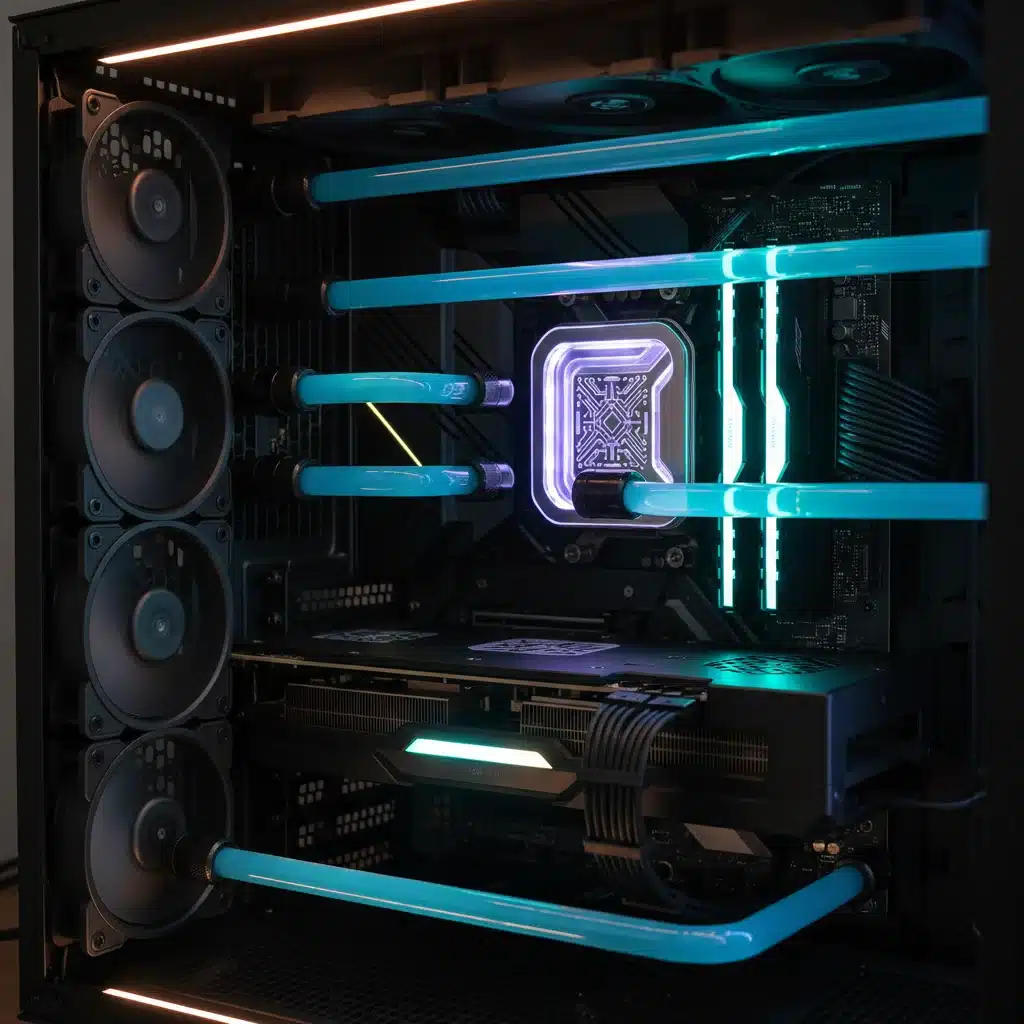
For the ultimate in Gaming PC Cooling and aesthetic customization, custom liquid cooling loops remain king. These systems allow users to cool not just their CPU, but also their GPU, RAM, and even motherboards with dedicated water blocks. The components are chosen individually, assembled, and filled with coolant by the user.
Key Components of a Custom Loop:
- Water Blocks: Dedicated blocks for CPU, GPU (full cover blocks are highly effective), and sometimes RAM or VRMs.
- Pump/Reservoir Combo: A powerful pump to circulate the coolant and a reservoir to hold it and allow for easy filling.
- Radiators: Multiple radiators (e.g., 360mm for CPU, 240mm for GPU) can be used to maximize heat dissipation.
- Tubing: Hard tubing (acrylic, PETG, glass) offers a clean, aesthetic look, while soft tubing (PVC, EPDM) is easier to install and maintain.
- Fittings: Connectors for tubing, ensuring a leak-free system.
- Coolant: Specialized coolants often contain anti-corrosive and anti-algae additives, and come in various colours for aesthetic appeal.
The advantages of custom loops are manifold: unparalleled cooling performance, the ability to cool multiple components simultaneously, quieter operation due to larger radiators and fans, and virtually limitless aesthetic customization. However, they demand a higher initial investment, significant installation time, and regular maintenance. For those dedicated to achieving the absolute best Gaming PC Cooling and a unique build, a custom loop is the pinnacle.
High-End Air Coolers: The Enduring Power of Airflow
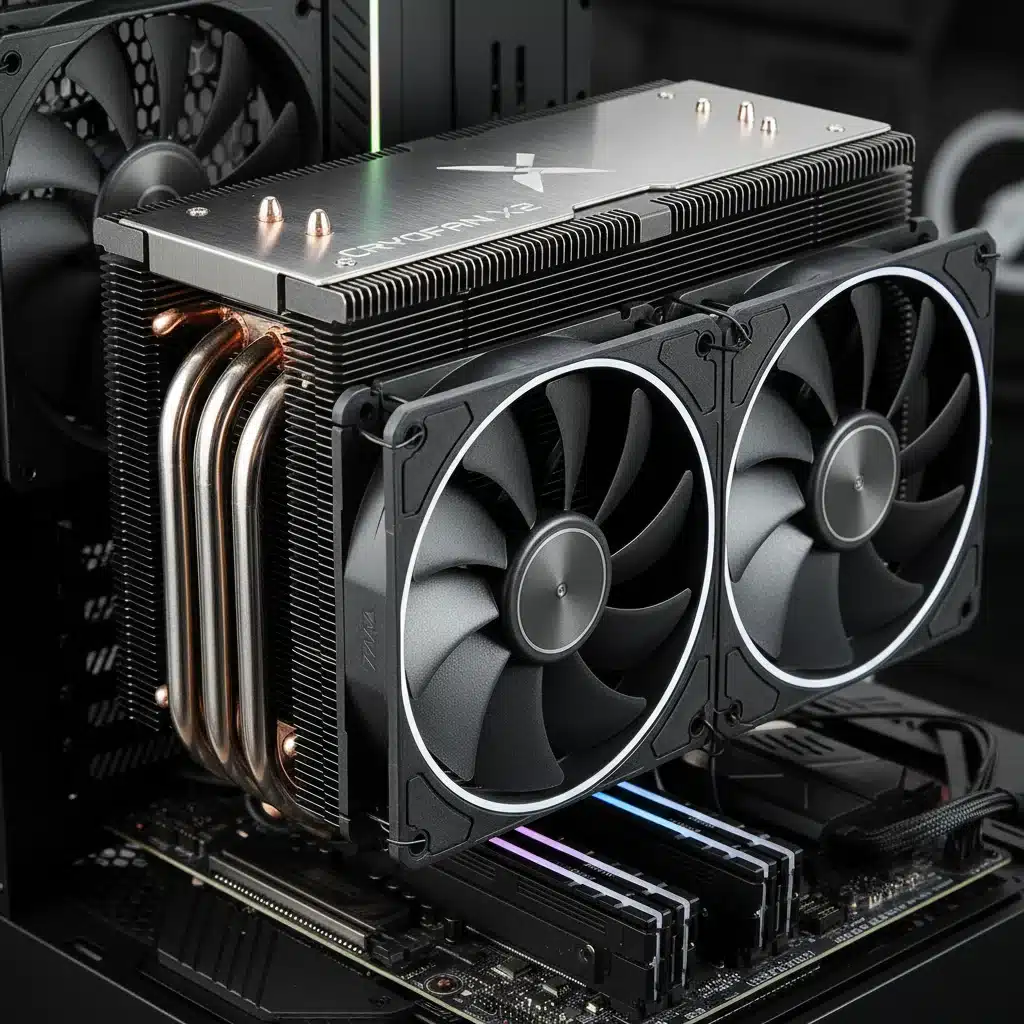
Despite the rise of liquid cooling, high-end air coolers continue to be a formidable force in the Gaming PC Cooling arena. They are often simpler, more reliable, and can offer performance that rivals many AIOs, particularly for CPUs. Advancements in air cooling technology for 2026 focus on maximizing surface area, improving heat pipe efficiency, and optimizing fan designs.
Design Principles and Advancements:
- Massive Heatsinks: Modern high-end air coolers feature enormous heatsinks, often with dual towers and densely packed aluminium fins. This maximizes the surface area available for heat exchange.
- Advanced Heat Pipes: The number and diameter of heat pipes have increased, along with improvements in their internal wicking structures. Direct contact heat pipes and vapour chamber technology are more common, efficiently transferring heat away from the CPU IHS (Integrated Heat Spreader).
- Optimized Fan Configurations: Many top-tier air coolers utilize a push-pull fan configuration (one fan pushing air through, another pulling it out) for maximum airflow through the heatsink. Fans themselves are designed for high static pressure and low noise, often employing advanced bearing types.
- Offset Designs: To improve RAM compatibility, some coolers feature offset designs that move the heatsink slightly away from the RAM slots.
- Material Science: Innovations in fin design and coating materials can further enhance heat dissipation.
Advantages of High-End Air Coolers:
- Reliability: No pumps to fail, no leaks to worry about. Air coolers are generally simpler mechanically and thus inherently more reliable.
- Cost-Effectiveness: While high-end models can be expensive, they are typically more affordable than custom liquid cooling loops and often comparable to or cheaper than premium AIOs.
- Ease of Installation: Generally simpler to install than liquid coolers, especially custom loops.
- No Pump Noise: The absence of a pump eliminates a potential source of noise, though fan noise is still a factor.
- Passive Cooling Potential: In low-load scenarios, some large air coolers can operate semi-passively, with fans spinning down or stopping entirely.
High-end air coolers like the Noctua NH-D15, be quiet! Dark Rock Pro 4, and Cooler Master Hyper 212 (and their 2026 equivalents) are benchmarks in the field, capable of taming even the most powerful CPUs, often achieving temperatures within a few degrees of a good AIO. For those prioritizing reliability, ease of maintenance, and excellent Gaming PC Cooling without the liquid, these are outstanding choices.
Achieving a 10°C Temperature Reduction: Strategies and Best Practices
Whether you opt for liquid or air, the goal is clear: a significant temperature reduction. Here’s how to achieve that crucial 10°C drop and ensure optimal Gaming PC Cooling:
1. Choose the Right Cooler for Your CPU/GPU
This is the most fundamental step. A budget air cooler won’t cut it for a high-end, overclocked Intel i9 or AMD Ryzen 9. Research the TDP (Thermal Design Power) of your CPU and GPU and select a cooler rated to dissipate significantly more heat than your components generate, especially if you plan to overclock. For GPUs, consider aftermarket coolers or full-cover water blocks if your stock cooling is insufficient.
2. Proper Thermal Paste Application
Even the best cooler is useless without proper thermal paste application. A thin, even layer of high-quality thermal paste between the CPU/GPU die and the cooler’s cold plate is essential for efficient heat transfer. Avoid excessive amounts, as this can actually hinder performance. The ‘pea-size’ or ‘line’ method is generally recommended for CPUs, while GPUs usually come with pre-applied paste or require specific application methods for water blocks.
3. Optimize Case Airflow
This is often overlooked but incredibly important for both air and liquid cooling. A well-ventilated case with an optimized fan configuration is paramount for effective Gaming PC Cooling. The general principle is positive pressure: more intake fans than exhaust fans. This helps push cool air into the case and out through vents, preventing hot air from recirculating.
- Intake Fans: Typically at the front and bottom of the case, drawing cool air in.
- Exhaust Fans: Usually at the rear and top, expelling hot air.
- Cable Management: Tidy cables don’t just look good; they prevent obstructions to airflow.
- Dust Filters: Keep dust out, as accumulated dust acts as an insulator and hinders cooling. Clean them regularly!
4. Fan Configuration and Speed Control
Whether it’s the fans on your air cooler, AIO radiator, or case fans, their speed and orientation matter. Ensure radiator fans are configured for optimal airflow (push or pull, or push-pull). Use fan control software (BIOS, motherboard utility, or third-party) to create custom fan curves. You want fans to ramp up under load to provide maximum cooling and spin down when idle for quieter operation. Don’t be afraid to experiment to find the sweet spot for your system’s Gaming PC Cooling needs.
5. Delidding (Advanced/Risky)
For extreme enthusiasts, delidding a CPU (removing the Integrated Heat Spreader and replacing the stock TIM with liquid metal) can yield significant temperature drops, often 10-20°C. However, this voids your warranty and carries a high risk of permanently damaging your CPU. This is not recommended for beginners.
6. Environmental Factors
The ambient temperature of your room directly impacts your PC’s internal temperatures. A cooler room means cooler intake air, leading to better Gaming PC Cooling. Ensure your PC isn’t placed in an enclosed space without airflow and avoid direct sunlight.
7. Monitor Temperatures Regularly
Knowledge is power. Use monitoring software (HWMonitor, MSI Afterburner, Core Temp, NZXT CAM, etc.) to keep an eye on your CPU and GPU temperatures, especially during gaming or benchmarking. This helps you identify if your cooling solution is performing as expected and if any adjustments are needed.
The Future of Gaming PC Cooling in 2026 and Beyond
As we look beyond 2026, the landscape of Gaming PC Cooling is set to evolve even further. We can anticipate several key trends:
- Advanced Materials: Research into graphene, diamond-like carbon, and other exotic materials for heatsinks and thermal interfaces could lead to unprecedented thermal conductivity.
- Vapor Chamber Miniaturization: More widespread use of highly efficient vapor chambers in both CPU and GPU cooling, and perhaps even for individual VRM components.
- Phase-Change Cooling: While currently niche and expensive, simplified, more accessible phase-change cooling solutions (similar to a refrigerator’s operation) could emerge for extreme overclocking.
- AI-Driven Cooling: Even more sophisticated AI algorithms that predict thermal loads and dynamically adjust fan speeds, pump speeds, and even power limits for optimal performance and efficiency.
- Immersion Cooling: Submerging entire systems in dielectric fluid is already a reality for data centers. Miniaturized, safe, and aesthetically pleasing immersion cooling solutions for consumer PCs might gain traction.
- Thermoelectric Cooling (TEC/Peltier): While power-hungry and prone to condensation, advancements in TEC technology could make it a viable option for spot cooling specific hot components without the drawbacks.
The drive for higher performance will always be accompanied by the challenge of managing heat. The innovations in Gaming PC Cooling will be crucial in enabling the next generation of gaming experiences.
Conclusion: Master Your PC’s Thermals for Unrivalled Performance
In the high-stakes world of 2026 PC gaming, effective Gaming PC Cooling is not merely an optional upgrade; it’s a fundamental requirement for unlocking and sustaining peak performance. We’ve explored the sophisticated advancements in both liquid cooling (AIOs and custom loops) and high-end air coolers, each offering compelling advantages depending on your priorities, budget, and technical comfort level.
The journey to reducing your PC’s operating temperatures by a significant 10°C involves a holistic approach. It begins with selecting a robust cooling solution tailored to your hardware’s demands, followed by meticulous attention to thermal paste application, optimized case airflow, intelligent fan control, and consistent temperature monitoring. For the intrepid enthusiast, even advanced techniques like delidding can yield dramatic results, though with inherent risks.
By mastering your PC’s thermals, you’re not just preventing thermal throttling; you’re extending the lifespan of your valuable components, ensuring system stability, and, most importantly, guaranteeing a consistently smooth, high-fidelity gaming experience. The future of gaming is hot, but with the right Gaming PC Cooling strategy, your rig will remain cool, calm, and collected, ready to tackle any digital challenge thrown its way.
Invest wisely in your cooling solution, implement best practices, and enjoy the unparalleled performance that a well-cooled 2026 gaming PC can deliver. Your frame rates (and your hardware) will thank you.