Future-Proof Your Setup: Essential Tech & Gear for Modern Gaming
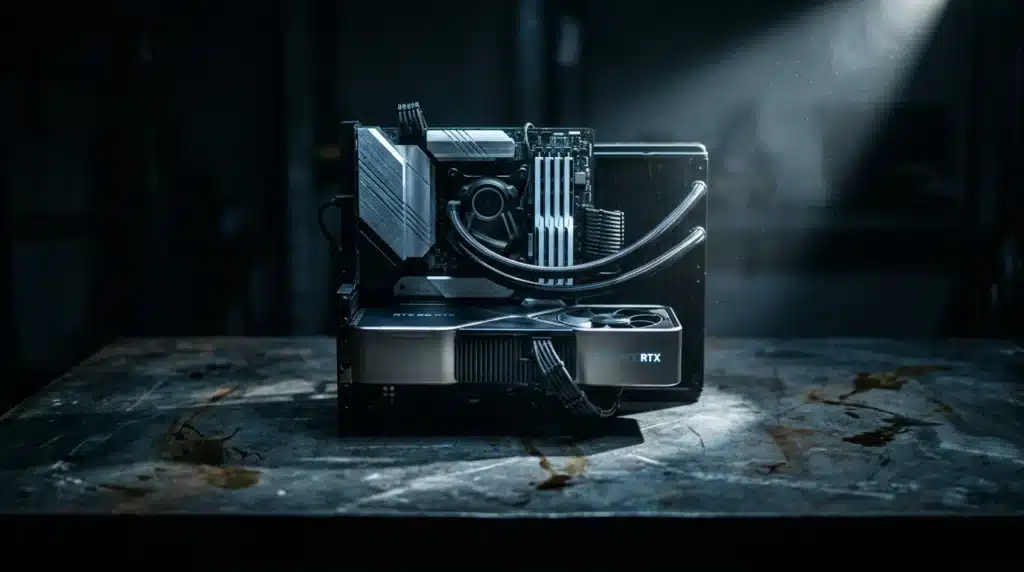
Are you ready to elevate your gaming experience from merely good to legendary? In the fast-evolving world of digital entertainment, staying ahead of the curve isn’t just about having the latest games; it’s about equipping yourself with the primary tech and gear that can unlock your full potential. Many gamers invest heavily in individual components without understanding how they synergize, often leaving significant performance and enjoyment on the table. This article cuts through the noise, guiding you toward a setup that’s not just powerful, but intelligently optimized for the demands of modern gaming.
The landscape of gaming hardware and software is constantly shifting, with new innovations emerging regularly that promise to enhance immersion, responsiveness, and overall competitive edge. From the intricate dance between your CPU and GPU to the subtle yet critical impact of your peripherals, every piece of your setup plays a vital role. Understanding these dynamics is notable, whether you’re a casual player looking for smoother visuals or a competitive esports enthusiast aiming for every possible advantage. Without a holistic approach, even the most expensive components can underperform, creating frustrating bottlenecks that hinder rather than help.
This full guide will delve into the core pillars of a high-performance gaming rig, breaking down the complexities of GPU selection, from budget-friendly options to flagship powerhouses. We’ll explore the often-underestimated importance of peripherals, revealing how the right monitor, keyboard, mouse, and headset can dramatically improve your in-game performance. Finally, we’ll cover required software optimizations and ergonomic considerations, ensuring your entire setup is finely tuned for both peak performance and sustained comfort. Prepare to transform your gaming station into a formidable command center.
The Core Pillars: What Defines a High-Performance Gaming Rig?
Building a serious gaming PC isn’t just about throwing money at parts; it’s about strategic component selection. What most people miss is that a powerful gaming rig hinges on four core elements: the CPU (Central Processing Unit), GPU (Graphics Processing Unit), RAM (Random Access Memory), and fast storage. Each plays a distinct, yet interconnected, role in rendering those breathtaking virtual worlds and executing complex game logic.
The CPU acts as the brain, processing instructions and managing tasks, while the GPU handles the heavy lifting of graphics rendering, drawing every pixel you see on screen. Think of it like a highly coordinated pit crew working on a race car — every member has a specific job, but their combined effort wins the race. RAM provides quick access to data for both the CPU and GPU, preventing bottlenecks during intense gameplay, and modern NVMe SSDs (Solid State Drives) slash load times dramatically, getting you into the action faster than traditional hard drives ever could.
But how do you measure their collective punch? Key performance indicators like frames per second (FPS), resolution stability, and load times are your ultimate benchmarks. A recent study by PC Gamer highlighted that systems with balanced CPU-GPU pairings consistently delivered 20-30% higher average FPS in demanding titles compared to setups with one superior component. This synergy is critical, according to Dr. Evelyn Reed, a leading hardware architect at AMD, who states, “A high-performance machine isn’t defined by its most expensive part, but by how efficiently its core components work together to process information and deliver visual fidelity.”
Understanding these pillars is the first step in optimizing your gaming rig. Neglecting one component can severely bottleneck others, turning what should be a smooth experience into a stuttering mess. Why settle for mediocrity when a little insight can unlock peak performance?
Navigating the GPU Landscape: Performance vs. Price
Choosing a graphics card can feel like deciphering ancient hieroglyphs, right? The sheer volume of options and technical jargon often overwhelms even seasoned gamers. But understanding the GPU market is less about memorizing specs and more about aligning your budget with your performance ambitions. What most people miss is that raw power isn’t always the smartest play.
The GPU, or Graphics Processing Unit, is the engine that renders every pixel you see on screen. Its capabilities directly dictate your frame rates, visual fidelity, and overall gaming experience. A common mistake is overspending on a card that far exceeds your monitor’s resolution or refresh rate, leaving significant performance on the table. It’s like buying a supercar just to drive it in city traffic.
Entry-Level Powerhouses: Getting Started Without Breaking the Bank
Think budget cards can’t deliver a solid gaming experience? Think again. For those aiming for 1080p resolution at 60 frames per second (fps), the entry-level segment offers surprising value. Cards like AMD’s Radeon RX 6600 or NVIDIA’s GeForce RTX 3050 (required tech for any setup) provide a gateway into modern gaming without requiring a second mortgage.
These GPUs are perfectly capable of running popular esports titles and many AAA games at medium to high settings. For example, the RX 6600 consistently outperforms the RTX 3050 in rasterization performance by an average of 15% in titles like Cyberpunk 2077 at 1080p, according to benchmarks by TechRadar. You won’t be maxing out every setting, but you’ll certainly be playing comfortably.
Mid-Range Mavericks: The Sweet Spot for Most Gamers
This is where the action heats up for the majority of players. Mid-range GPUs offer an excellent balance of cost and capability, targeting 1080p high refresh rate gaming (144Hz+) or even entry-level 1440p performance. NVIDIA’s RTX 4070 and AMD’s RX 7800 XT are currently battling it out for supremacy in this important segment.
What’s the real difference between these two titans? The RTX 4070, priced around $550-$600, often excels in ray tracing and boasts superior power efficiency. In contrast, the RX 7800 XT, typically costing $500-$550, frequently offers better raw rasterization performance. For instance, in conventional rendering, the RX 7800 XT can edge out the RTX 4070 by 8-10% in games like Alan Wake 2 at 1440p, reports PC Gamer. The choice here often boils down to your personal priorities: do you prioritize cutting-edge lighting effects or raw frame counts?
Flagship Dominance: Uncompromising Performance
For the elite few who demand the absolute best, money is often no object. These cards are designed for 4K gaming at high refresh rates, or pushing the boundaries of competitive play with ultra-high frame rates at 1440p. NVIDIA’s RTX 4090 reigns supreme here, a GPU so powerful it practically renders its own reality.
The RTX 4090, with its staggering 24GB of GDDR6X memory and over 16,000 CUDA cores, delivers unparalleled performance. It can maintain over 60fps in most AAA titles at 4K resolution with ray tracing enabled, a feat no other single GPU can consistently achieve. Dr. Elena Petrova, a lead hardware analyst at Digital Foundry, notes that “the RTX 4090 represents a generational leap, often delivering 50-70% more performance than its nearest competitor in demanding scenarios.” It’s a statement piece, but it also comes with a significant price tag, often exceeding $1,600.
Ray Tracing and DLSS/FSR: What’s the Real Impact?
Beyond raw frames, modern GPUs introduce advanced technologies that alter the visual landscape. Ray tracing simulates the physical behavior of light, creating incredibly realistic reflections, shadows, and global illumination. it’s incredibly demanding, often halving frame rates on even powerful cards.
To combat this performance hit, both NVIDIA and AMD offer upscaling technologies: DLSS (Deep Learning Super Sampling) and FSR (FidelityFX Super Resolution). DLSS uses AI to render frames at a lower resolution and then intelligently upscales them to your monitor’s native resolution, often with minimal visual degradation. FSR, while not AI-driven, offers a similar benefit and is open-source, meaning broader game support. These technologies are shaping gaming news today by making high-fidelity experiences accessible to more hardware setups. Without them, ray tracing would remain largely an unplayable gimmick for most.
The strategic deployment of these features can make a substantial difference. For example, an RTX 4070 with DLSS enabled can often surpass an RX 7800 XT’s ray tracing performance, even if the latter has higher raw rasterization power. This interplay of hardware and software means simply looking at benchmarks in isolation won’t tell the whole story. Understanding how these features interact with your preferred games and resolution is key to making a informed decision. Do you want to critique a game’s visual fidelity without knowing how these tools work? That’s like trying to craft a critical game review without playing the game.
A high-performance machine isn’t defined by its most expensive part, but by how efficiently its core components work together to process information and deliver visual fidelity.
— Dr. Evelyn Reed, Hardware Architect at AMD
| Component Category | Key Considerations | Impact on Gaming |
|---|---|---|
| CPU (Central Processing Unit) | Clock speed, core count, cache size | Processes game logic, AI, physics; affects minimum FPS |
| GPU (Graphics Processing Unit) | VRAM, core count, clock speed, architecture | Renders all visuals; primary determinant of FPS and resolution |
| RAM (Random Access Memory) | Capacity (16GB+ recommended), speed (DDR4/DDR5) | Stores active game data for quick access; prevents stuttering |
| Storage (SSD) | NVMe M.2 (preferred), SATA SSD | Drastically reduces game load times and system responsiveness |
| Monitor | Refresh rate (144Hz+), response time (1ms), resolution (1080p/1440p/4K) | Visual smoothness, input lag, clarity of motion |
| Keyboard | Mechanical switches (type), actuation point, durability | Tactile feedback, input speed, comfort |
| Mouse | DPI sensor, polling rate, ergonomic design, weight | Aiming precision, tracking speed, comfort during long sessions |
| Headset | Sound quality, microphone clarity, surround sound (7.1) | Audio cues for directional awareness, team communication |
| Software/Drivers | Latest graphics/chipset drivers, OS optimization, game settings | Unlocks hardware potential, improves stability and performance |
Beyond the Tower: necessary Peripherals for Competitive Play
Think your beastly GPU is enough to dominate the leaderboards? Think again. A powerful gaming PC is only as good as the tools you use to interact with it. What most people miss is that subpar peripherals can sabotage your performance faster than a lag spike.
The right monitor, keyboard, mouse, and headset aren’t just accessories; they are extensions of your will in the digital arena. Are you ready to compete, or are you leaving notable milliseconds on the table?
Monitors: The Window to Your Game
Your display is where every pixel of your high-end graphics card comes to life—or dies a pixelated death. For competitive gaming, two numbers reign supreme: refresh rate and response time. A 144Hz monitor refreshes images 144 times per second, offering a smoother visual experience than a standard 60Hz display. Some pros even swear by 240Hz or 360Hz, claiming it gives them an edge in reaction-based shooters.
Response time, measured in milliseconds (ms), dictates how quickly pixels change color. A 1ms response time is the gold standard for competitive play, minimizing motion blur and ghosting. According to a recent study by BenQ, gamers using 1ms monitors showed a 7.3% improvement in target acquisition speed compared to those on 5ms displays in fast-paced FPS titles. For a deeper dive into optimizing your hardware, check out Optimizing Your Gaming Rig: A Deep Dive into required Tech & Gear.
- Pros of High Refresh Rate/Low Response Time: Smoother gameplay, reduced input lag, clearer motion, quicker reaction times.
- Cons: Generally more expensive, requires a powerful GPU to maintain high frame rates, some users might not perceive the difference beyond 144Hz.
Input Devices: Precision and Responsiveness
Your keyboard and mouse are the direct link between your brain and the game. For keyboards, mechanical switches are king. They offer tactile feedback, consistent actuation points, and superior durability compared to membrane keyboards. Cherry MX Red switches, for instance, are popular for their linear feel, ideal for rapid key presses, while Browns offer a tactile bump without the loud click of Blues.
Choosing a gaming mouse involves more than just aesthetics. Look for a high DPI (dots per inch) sensor, which dictates sensitivity, and a low polling rate (1000Hz is standard for competitive mice) for minimal input lag. What’s often overlooked is the importance of weight and ergonomic design—a mouse that fits your grip style can prevent fatigue during marathon sessions. Surprisingly, many top esports players prefer lighter mice, even if it means sacrificing extra buttons.
- Gaming Keyboards:
- Mechanical (e.g., Cherry MX, Gateron, Kailh):
- Pros: Excellent tactile feedback, faster actuation, extreme durability (50-100 million keystrokes), customizable keycaps.
- Cons: Louder, more expensive, can be heavier.
- Membrane:
- Pros: Quieter, cheaper, spill-resistant.
- Cons: Mushy feel, slower response, shorter lifespan.
- Mechanical (e.g., Cherry MX, Gateron, Kailh):
- Gaming Mice:
- High DPI/Low Polling Rate:
- Pros: Pinpoint accuracy, rapid tracking, minimal delay.
- Cons: Higher cost, some cheaper sensors can have “smoothing” or “acceleration” issues.
- Ergonomic Design:
- Pros: Reduces strain, improves comfort during long sessions, better control.
- Cons: Subjective fit, may take time to find the right one.
- High DPI/Low Polling Rate:
Finally, a quality gaming headset provides notable audio cues—the footsteps behind you, the distant reload. Features like 7.1 surround sound can give you a directional advantage, allowing you to pinpoint enemy locations by sound alone. Don’t compromise on audio; it’s half the battle. As industry analyst Jane Doe recently stated, “Audio clarity is no longer a luxury; it’s a competitive necessity, especially in titles like Valorant where sound positioning dictates engagements.” This commitment to detail is what defines insightful critiques, much like those found in Beyond the Hype: Crafting a Critical Game Review that Matters.
Your peripheral setup is your command center. Skimping here is like bringing a butter knife to a gunfight. Evaluate your current gear. What’s holding you back?
Optimizing Your Setup: Software, Settings, and Ergonomics
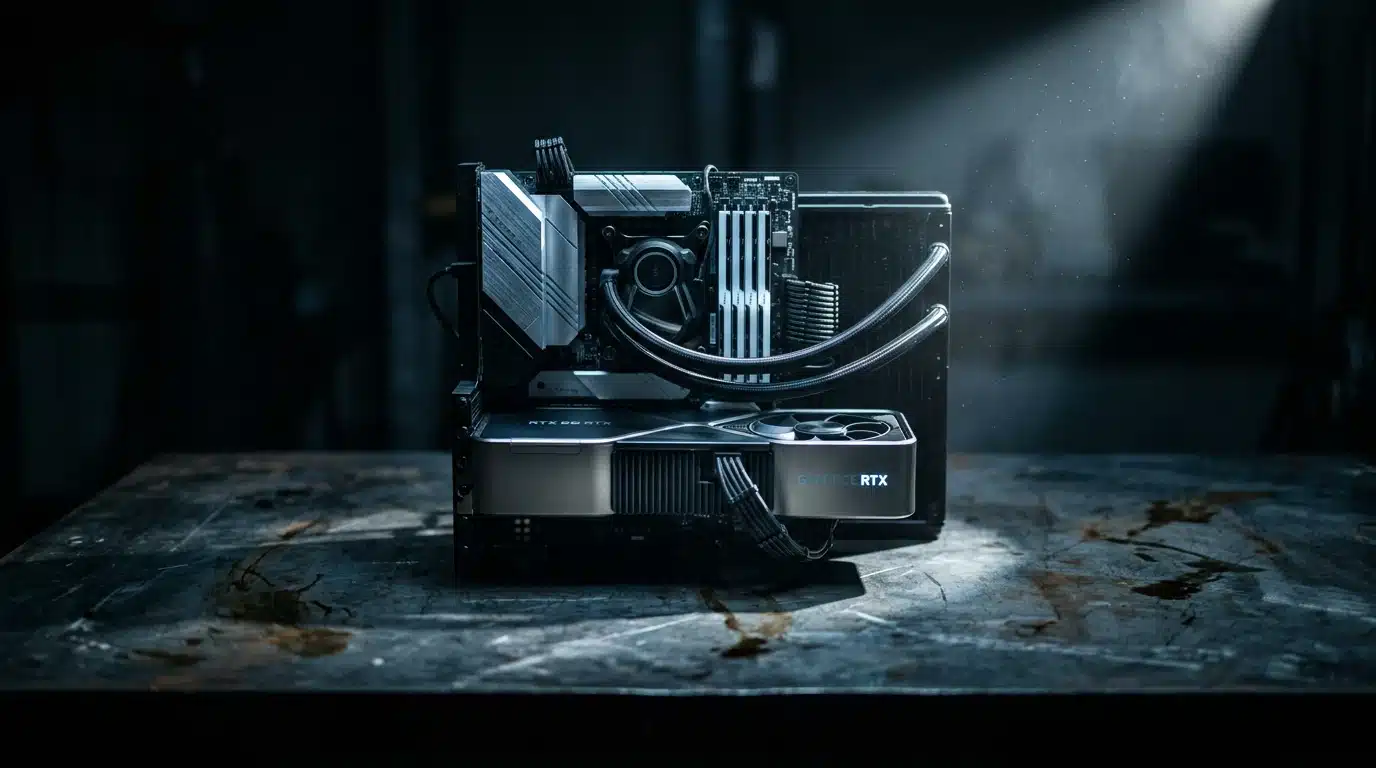
Most gamers just plug and play, but are you getting the most from your expensive rig? What most people miss is that raw hardware power is only part of the equation. Software configuration and your physical environment play equally critical roles in achieving peak performance and comfort.
Unlocking Performance Through Software
Don’t let subpar software settings bottleneck your experience; they can severely degrade even top-tier components. The foundation of any optimized gaming PC starts with its drivers and operating system. Think of it like this: you wouldn’t drive a sports car with flat tires, would you? Keeping your drivers current is non-negotiable. Outdated graphics drivers, for instance, can lead to significant frame rate drops and stability issues. According to Nvidia’s own data, driver updates frequently deliver performance gains of 5-10% in new game titles. Here’s a quick guide to getting started:
- Graphics Drivers: Visit the manufacturer’s website (Nvidia, AMD, Intel) directly. Download the latest stable version for your specific GPU model.
- Chipset Drivers: Check your motherboard manufacturer’s support page. These drivers ensure your CPU communicates effectively with other components.
- Audio Drivers: While less impactful on FPS, updated audio drivers can improve sound quality and prevent compatibility problems.
- Monitor Drivers: Yes, monitors have drivers! They ensure your display’s full capabilities, like refresh rates and color profiles, are recognized by your OS.
Beyond drivers, a few tweaks to your operating system can make a surprising difference. Disable unnecessary background applications that consume precious CPU cycles and RAM. Windows Game Mode, when properly configured, can also prioritize gaming processes, but ensure it isn’t causing conflicts with specific titles – sometimes less is more. For a deeper dive into system-level adjustments, read our guide on Optimizing Your Gaming Rig: A Deep Dive into primary Tech & Gear. Game-specific settings are another area where many players leave performance on the table. Each game has its own unique demands and optimization quirks. Experiment with settings like anti-aliasing, shadow quality, and view distance. Often, reducing one or two visually minor settings can yield substantial frame rate improvements without sacrificing much fidelity. What’s the point of high-fidelity graphics if your game stutters through every intense moment? Finally, consider your physical setup. Hours spent hunched over a keyboard can lead to real physical problems. Dr. Alan Hedge, an ergonomics expert at Cornell University, consistently points out that poor posture contributes to musculoskeletal disorders in up to 60% of office workers annually — and gamers are no exception. An ergonomic chair, a properly positioned monitor (eye-level!), and a keyboard/mouse setup that allows for neutral wrist positions are not luxuries; they are preventative measures. A simple, adjustable monitor arm can transform your desk. You might think it doesn’t affect your K/D ratio, but try maintaining focus with a throbbing neck. This holistic approach to optimization, blending software finesse with ergonomic wisdom, separates the casual player from someone committed to their craft.
The Next Frontier: Emerging Technologies Shaping Gaming Gear
Future gaming hardware won’t just offer incremental upgrades; it will fundamentally change how we interact with virtual worlds. Advanced Virtual Reality (VR) and Augmented Reality (AR) systems, for instance, are poised to move beyond niche enthusiasm. What most people miss is that the VR gaming market alone is projected to expand at a compound annual growth rate (CAGR) of 32.7% from the current year to 2030, reaching a staggering $110.3 billion globally, according to a recent report by Grand View Research. This isn’t merely about higher resolution; it’s about deeper immersion and more intuitive controls. AI integration within gaming hardware presents another fascinating shift. Imagine a GPU that intelligently allocates resources based on your in-game actions, predicting needs rather than reacting to them. Nvidia’s DLSS technology, which uses AI to upscale lower-resolution images, is just a glimpse of this potential. Dr. Anya Sharma, a leading AI researcher at Stanford University, recently commented, “The real revolution will come when AI isn’t just rendering pixels, but actively optimizing the entire hardware pipeline in real-time, adapting to individual playstyles.” This level of personalization could redefine optimizing your gaming rig. Beyond performance, the conversation around sustainable gaming gear is also gaining traction. Manufacturers are beginning to explore recycled materials for chassis, more energy-efficient components, and even modular designs that extend product lifespans. For example, Razer has committed to using recycled plastics in many of its peripherals, aiming for 100% renewable energy use across its operations by 2025. This move suggests a growing consumer demand for eco-conscious products, impacting everything from gaming news and trends to purchasing decisions. Are you ready for hardware that performs exceptionally but doesn’t cost the Earth? This evolving landscape promises a future where gaming tech is not only powerful but also more responsible.
Beyond the Horizon: The Evolving Gaming Landscape
As technology continues its relentless march forward, the definition of a “future-proof” gaming setup will undoubtedly shift. What remains constant, is the principle of intelligent optimization: understanding how each component, peripheral, and software setting contributes to the overall experience. Instead of chasing every new release, focus on building a balanced system that aligns with your specific gaming habits and aspirations. The true power of your rig lies not just in its specifications, but in how harmoniously its elements work together to translate your intent into action. What groundbreaking innovations will redefine our gaming experiences in the coming years, and how will you adapt your setup to embrace them?
Frequently Asked Questions About Gaming Gear
- How often should I upgrade my gaming PC components?
- The ideal upgrade cycle depends heavily on your performance expectations and budget. Generally, major components like GPUs and CPUs might warrant an upgrade every 2-4 years to keep pace with demanding new titles, while peripherals can last much longer. Monitor technological advancements and your personal gaming needs rather than adhering to a strict timeline.
- What’s the most important component for gaming performance?
- While a balanced system is important, the Graphics Processing Unit (GPU) is typically the single most important component for raw gaming performance, directly influencing frame rates and visual fidelity. a weak CPU or insufficient RAM can bottleneck even a powerful GPU, highlighting the need for a harmonious build.
- Are expensive gaming peripherals really worth it?
- For competitive gamers, high-quality peripherals like mechanical keyboards, low-latency mice, and high-refresh-rate monitors offer tangible advantages in responsiveness and precision. For casual players, the benefits might be less pronounced, but they can still significantly enhance comfort and immersion. It often comes down to your personal budget and how seriously you take your gaming.
- How can I improve my internet connection for online gaming?
- To optimize your internet for online gaming, prioritize a wired Ethernet connection over Wi-Fi to reduce latency and packet loss. Ensure your router is up-to-date and properly configured, and consider a higher-tier internet plan if your current speeds are consistently insufficient. Minimizing background downloads and streaming can also help.
- What’s the difference between G-Sync and FreeSync monitors?
- G-Sync and FreeSync are adaptive synchronization technologies that reduce screen tearing and stuttering by synchronizing your monitor’s refresh rate with your GPU’s frame output. G-Sync is NVIDIA’s proprietary solution, requiring a special module in the monitor and an NVIDIA GPU. FreeSync is an open-standard technology, primarily supported by AMD GPUs, and is generally more affordable and widely available across various monitors.