Build Your Ultimate Gaming Setup: A Beginner’s Playbook for Tech & Gear
Stepping into the world of PC and console gaming can feel both exciting and overwhelming. You see elaborate setups online—glowing with RGB lights, powered by beastly machines, and promising flawless gameplay—and it’s easy to assume such a command center is out of reach. The sheer number of components, acronyms, and competing brands can feel like a high barrier to entry, leaving many beginners wondering where to even start.
But building a great gaming setup isn’t a secret art reserved for tech wizards and professional streamers. It’s a journey of informed choices, starting with the foundational decision between a gaming PC and a console. This single choice shapes your budget, game library, and potential for future upgrades. From there, the path branches into a world of peripherals, from monitors that dictate visual smoothness to mice that promise pixel-perfect accuracy, each piece playing a critical role in your overall experience.
Is a high refresh rate monitor more important than 4K resolution? Do you really need a mechanical keyboard? This guide serves as your broad playbook, designed to demystify the process from the ground up. We’ll start by decoding the core hardware, then navigate the required peripherals for control and immersion. Finally, we’ll cover the often-overlooked but notable elements of ergonomics and connectivity, ensuring your new battle station is built not just for performance, but for lasting comfort and enjoyment.
Decoding the Core: Understanding required Gaming Hardware
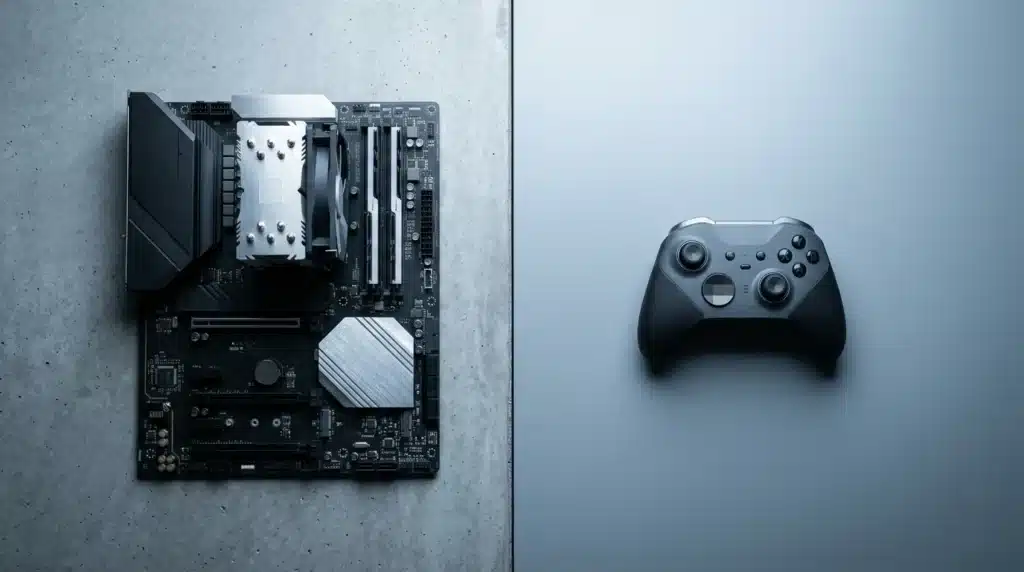
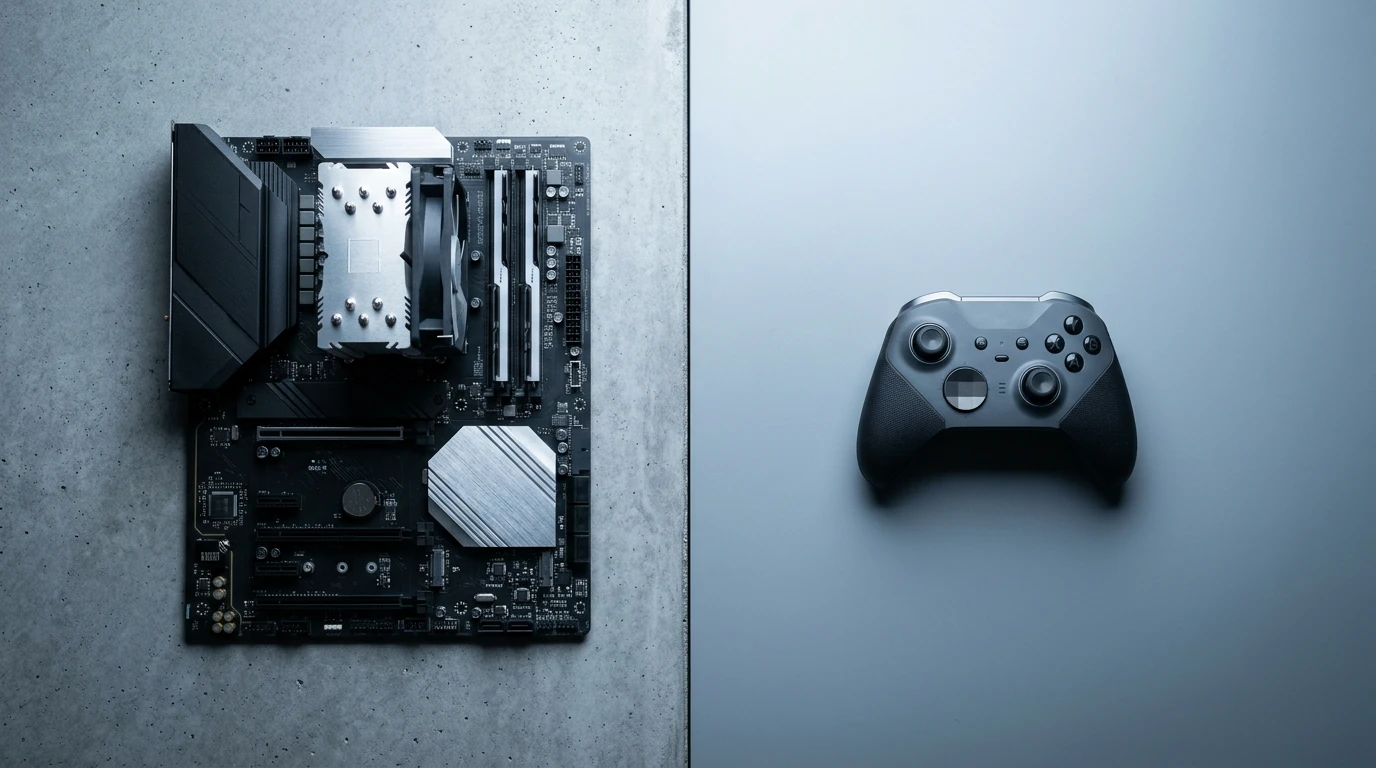
Stepping into the world of gaming can feel like learning a new language, with a vocabulary full of acronyms and technical jargon. Before you can dominate a leaderboard, you first need to understand your tools. The choice between a gaming PC and a console is often the first major decision, and it fundamentally shapes your entire experience. It’s not just about which games you can play; it’s about control, cost, and customization.
Each path offers a distinct set of advantages. The data suggests this isn’t a settled debate either; a recent survey by the Statista Research Department showed that while consoles are popular, a dedicated 48% of gamers still prefer the PC platform for its raw power and flexibility. This choice defines your entry point into the hobby.
PC Gaming: The Building Blocks
A gaming PC is a modular system where every part has a specific job. Think of it like a specialized team in a workshop. The Central Processing Unit (CPU) is the project manager, handling instructions, physics calculations, and AI behavior. It directs the entire operation. Then you have the Graphics Processing Unit (GPU), which is the master artist responsible for rendering every visual element you see on screen, from stunning landscapes to character models. Without a powerful GPU, even the best games look like a slideshow.
Supporting these two stars are Random Access Memory (RAM) and storage. RAM is the workbench; it’s the temporary, high-speed space your computer uses to hold data for tasks it’s actively working on. More RAM means your system can juggle more complex tasks at once without slowing down. Finally, your storage (SSD or HDD) is the warehouse where your games, operating system, and files are permanently kept. An SSD is significantly faster, drastically cutting down on those dreaded loading screens — a key aspect of any guide to future-proofing your gaming setup.
This modularity is the PC’s greatest strength. You can swap out individual components over time to keep up with new demands. This approach allows for a highly personalized and powerful machine, though it requires a bit more initial knowledge (and a willingness to go down the PC-building rabbit hole).
Console Gaming: Plug and Play Simplicity
If a gaming PC is a custom-built race car, a console like a PlayStation, Xbox, or Nintendo Switch is a high-performance streetcar straight from the factory. All the required components—CPU, GPU, RAM, and storage—are already inside, selected by engineers to provide a balanced and consistent experience for a fixed lifespan. There’s no need to worry about driver updates or whether your hardware can run a new release. You just plug it in and play.
This simplicity is its main appeal. You get a reliable system designed specifically for gaming, with an intuitive interface and a curated digital storefront. While you sacrifice the fine-tuned control and upgrade potential of a PC, you gain convenience and often a lower initial cost. The choice reflects broader trends in the gaming industry, where both accessibility and peak performance have massive audiences.
But which one is right for you? Below is a simple breakdown:
| Factor | Gaming PC | Gaming Console |
|---|---|---|
| Initial Investment | Higher (typically $800 – $2,000+ for a capable system) | Lower (typically $300 – $600) |
| Flexibility & Upgrades | High (swap any component) | Low (limited to external storage or “Pro” models) |
| Ease of Use | Moderate (requires setup and some maintenance) | High (plug and play) |
| Game Costs | Often lower due to frequent sales and competition | Generally fixed at a higher price point |
Understanding these core differences is the first step. Your hardware is your foundation, and choosing the right one ensures that every dollar you spend and every hour you invest feels worthwhile as you build out the rest of your setup.
Choosing Your Battle Station: Monitors & Peripherals Unpacked
With your core components chosen, the focus shifts to the parts of your setup you interact with directly. Your monitor, keyboard, mouse, and headset are the primary conduits between you and the game world. These choices are less about raw processing power and more about personal comfort, responsiveness, and gaining a competitive edge. Think of it as choosing the right tires and steering wheel for a race car—the engine is vital, but control and connection to the road are what win races.
The Visual Edge: Selecting Your Gaming Monitor
Your monitor is arguably the most impactful peripheral you’ll buy. It’s your window into the digital environments you’ll explore, and its technical specifications directly influence how you perceive motion and detail. For beginners, the main decision points are resolution, refresh rate, and response time. While 4K monitors offer stunning visual fidelity, they demand immense graphical power that entry-level builds often can’t provide without significant compromise.
A 1080p (Full HD) or 1440p (Quad HD) monitor is the sweet spot for most new gaming PCs. These resolutions provide a sharp, clear image while being less demanding on your graphics card, allowing you to achieve higher frame rates. The panel technology—IPS for vibrant colors, TN for speed, or VA for deep blacks—is another factor, but what most people miss is that modern panels have largely closed the performance gaps of the past.
Refresh Rate vs. Response Time: What Matters Most?
This is the classic gaming monitor debate. Refresh rate, measured in Hertz (Hz), is the number of times your screen updates with a new image each second. A standard office monitor is 60Hz, but gaming monitors push this to 144Hz, 240Hz, or even higher. The higher the Hz, the smoother and more fluid motion appears. It’s like comparing a choppy flipbook to a smooth animation.
Response time, measured in milliseconds (ms), is how quickly a pixel can change from one color to another. A low response time, typically 1ms to 4ms, is required for reducing motion blur and “ghosting,” where a faint trail follows fast-moving objects. But how do you balance these two competing specs? For fast-paced, competitive games like shooters or MOBAs, a high refresh rate is significant. A survey by ProSettings.net found that over 98% of professional Valorant players use a monitor with at least a 144Hz refresh rate. For single-player, story-driven games, you might prefer the richer colors of a slightly slower IPS panel over the raw speed of a TN.
Input & Audio: Key Peripherals for Control and Immersion
Seeing the game clearly is only half the battle; you also need to control your character with precision and hear every important audio cue. Your mouse, keyboard, and headset are your physical connection to the game. Investing in quality peripherals not only improves your performance but also enhances comfort during long gaming sessions, which is a key part of optimizing your gaming rig for the long haul.
Gaming Mice & Keyboards: Finding Your Perfect Match
A gaming mouse isn’t just about flashy lights. The primary considerations are sensor type, connectivity, and ergonomics. Modern optical sensors have become the gold standard, providing reliable tracking across most surfaces. While wired mice guarantee a lag-free connection, today’s wireless technology from major brands is virtually indistinguishable in performance—though it does come at a premium and requires charging.
For keyboards, the main choice is between a traditional membrane and a mechanical one. Membrane keyboards are quiet and affordable, but they can feel mushy. Mechanical keyboards offer superior tactile feedback, durability, and a variety of switch types (like linear, tactile, or clicky) to match your preference. The underrated factor here is form factor. A full-size keyboard gives you a number pad, while a smaller “tenkeyless” (TKL) or 60% board frees up significant desk space for mouse movement. Ultimately, finding the right keyboard and mouse is about what feels best in your hands, a critical component when you look for required gaming gear.
Headsets: Communication and Soundscapes
Good audio can be the difference between winning and losing. A quality gaming headset allows you to pinpoint the direction of enemy footsteps, gunfire, and other critical audio cues. It also provides the immersion that makes vast open worlds feel alive. The debate between stereo and virtual 7.1 surround sound continues, but the data suggests—though not conclusively—that a high-quality stereo headset with good imaging can be just as effective for positional audio.
Your microphone’s clarity is just as important, especially in team-based games. Nothing is more frustrating than a teammate whose callouts are lost in static. Read and watch reviews that specifically test the microphone quality. A good headset integrates audio and communication seamlessly (and it saves you from having to buy a separate desk mic, which is a whole other rabbit hole). This focus on the complete sensory experience is changing how game reviews and industry narratives evaluate a title’s technical presentation.
Ultimately, your peripherals are a personal extension of your gaming style. The “best” gear is not always the most expensive, but rather the equipment that feels like a natural fit for you, your games, and your budget.
Your monitor should be positioned so the top of the screen is at or slightly below eye level.
— Dr. Alan Hedge, Cornell University
| Component | Key Consideration | Beginner’s Tip |
|---|---|---|
| Platform | PC (Customizable Power) vs. Console (Simplicity) | Choose PC for long-term upgrades and game sales; choose console for ease of use and exclusives. |
| Monitor | Balance Resolution (1080p/1440p) & Refresh Rate (144Hz+) | Prioritize a high refresh rate (144Hz) for competitive games; resolution for visual fidelity in story games. |
| Keyboard & Mouse | Mechanical vs. Membrane; Sensor & Ergonomics | A quality optical mouse is a must. Try different keyboard switch types if possible to find your preference. |
| Headset | Audio Quality for Positional Cues & Mic Clarity | A good stereo headset often beats cheap “surround sound.” Watch reviews that specifically test the microphone. |
| Ergonomics | Chair, Desk Height, and Monitor Position | Focus on a setup that allows 90-degree angles at your elbows and knees, with the monitor at eye level. |
Optimizing Your Play Space: Ergonomics and Connectivity Basics
You’ve picked out the perfect monitor and mouse, but the hardware is only half the battle. A great gaming setup supports the most important component: you. Long gaming sessions in a poorly configured space can lead to discomfort and even chronic pain. It’s time to build a command center that works for your body, not against it.
Comfort First: Your Ergonomic Gaming Environment
Ignoring ergonomics is like trying to run a marathon in flip-flops; you might start strong, but you’re heading for a world of hurt. The goal is to create a neutral posture where your joints are naturally aligned, reducing stress on your muscles and spine. Your chair and desk are the foundation of this entire system. A good gaming chair isn’t just about flashy colors; it’s about adjustable lumbar support, armrests, and seat height. But what good is a high-end chair if your desk is at the wrong height?
The key is achieving a setup where your feet are flat on the floor, your knees are at a roughly 90-degree angle, and your elbows rest comfortably at a 90-degree angle on the desk or armrests. Dr. Alan Hedge, a leading ergonomics expert at Cornell University, emphasizes that your monitor should be positioned so the top of the screen is at or slightly below eye level. This prevents you from craning your neck, a common source of strain.
This isn’t just about avoiding pain; it’s about performance. When you’re comfortable, you can maintain focus for longer periods. Your physical well-being is a core part of optimizing your gaming rig for peak performance.
Here’s a quick checklist to get you started:
- Feet on the Floor: Your feet should rest flat. If they don’t reach, use a footrest.
- Right Angles Rule: Aim for 90-degree angles at your knees and elbows.
- Lumbar Love: Your chair should have adjustable support that fits the natural curve of your lower back.
- Monitor at Eye Level: Position your screen about an arm’s length away, with the top bezel at or just below your eye line.
- Wrist Wellness: Keep your wrists straight when using your mouse and keyboard to prevent strain.
Stable Connection: Internet Essentials for Online Play
Your physical comfort is sorted, but now we need to address digital comfort. For online gaming, a stable internet connection is non-negotiable. Many beginners mistakenly fixate on download speed (bandwidth), but the real performance killer is latency, often referred to as ping. Think of it like a highway: bandwidth is how many lanes you have, while latency is the actual speed of traffic and how long it takes a car to get from A to B. You can have a 10-lane highway, but if every car is stuck in a traffic jam, it’s useless for a time-sensitive delivery.
Your ping is everything.
A high ping results in lag, which is that frustrating delay between you pressing a button and the action happening on screen. According to data from network analysts at Ookla, a ping under 40 milliseconds (ms) is considered excellent for competitive gaming, while anything over 100ms can become unplayable. For the smoothest experience, a wired Ethernet connection from your router to your PC or console is superior to Wi-Fi. It provides a more consistent and lower-latency signal—no worrying about signal interference from your microwave.
If Wi-Fi is your only option, consider a modern router that supports Wi-Fi 6 technology and has Quality of Service (QoS) settings. QoS allows you to prioritize traffic for your gaming device, ensuring it gets the bandwidth it needs first. This piece of networking equipment is one of the most overlooked but primary pieces of tech gear for modern gaming. With a solid physical and digital foundation, you’re no longer just playing the game; you’re setting the stage to win it.
Beyond the Basics: Smart Upgrades for Enhanced Experience
Once your core setup is solid, you can start thinking about additions that refine your gaming sessions. These aren’t mandatory purchases, but smart, incremental upgrades that solve common annoyances and unlock new possibilities. Think of it less like a total renovation and more like adding the perfect set of tools to your workshop over time. The first bottleneck many gamers hit is digital space.
With major titles now regularly exceeding 150 GB, your primary drive can fill up surprisingly quickly. Adding an external SSD for your game library is a simple, plug-and-play solution that drastically cuts down on load times compared to an old hard drive (and avoids that dreaded “storage full” notification). What most people miss is that a dedicated game drive also reduces wear on your main operating system drive. This is a key part of building a future-proof setup for modern gaming.
Next, consider your system’s temperature. You don’t need a complex liquid cooling system, but even a basic laptop cooling pad or an extra case fan can make a noticeable difference. According to data from PCPartPicker analytics, adding just one or two case fans can lower internal temperatures by 5-10°C, extending the lifespan of your components. It’s a simple step toward optimizing your gaming rig for the long haul.
Finally, have you ever wanted to share a cool moment with friends? Entry-level streaming gear is more accessible than ever. A quality USB microphone and a 1080p webcam are all you need to start. This isn’t about becoming the next big streamer; it’s about sharing your passion, which reflects the community-driven aspect seen in the latest trends in the gaming industry. But what’s the right order for these purchases?
For a logical progression that balances budget and impact, follow this smart upgrade path:
- Step 1: External SSD. Immediately addresses the common problem of limited storage and slow load times.
- Step 2: Basic Cooling. A low-cost investment to protect your more expensive components and ensure consistent performance.
- Step 3: Quality Audio. A good USB microphone improves multiplayer communication before you even think about streaming.
- Step 4: Entry-Level Webcam. The final piece for sharing your gameplay or joining video calls with your gaming group.
Tackling these upgrades sequentially ensures each purchase provides a tangible benefit without overwhelming your budget, gradually transforming your station from functional to exceptional.
Maintenance & Troubleshooting: Keeping Your Gear in Top Shape
Building your setup is only half the battle. Now you have to maintain it. Think of it like an oil change for a car; performing simple, regular tasks prevents major headaches and ensures your components last as long as possible. A little bit of care goes a long way.
Start with the physical basics. Your PC’s greatest enemy is dust, which clogs fans and insulates components, causing them to overheat. Once a month, power down and unplug your machine. Use a can of compressed air to blow dust out of your PC case, paying special attention to the CPU cooler, graphics card fans, and case intake vents. For your peripherals, a simple microfiber cloth can wipe away grime from your mouse, keyboard, and monitor. This is basic hygiene for your hardware.
On the software side, keeping your drivers updated is non-negotiable. Your graphics card driver, in particular, is critical for performance. According to GPU manufacturers like NVIDIA and AMD, new “Game Ready” driver releases can boost performance by up to 23% in specific titles. Set your graphics software to notify you of updates, or manually check every few weeks. This single step is a core part of optimizing your gaming rig for a smooth experience.
Eventually, something will go wrong. Before panicking, run through a simple troubleshooting checklist. Is your mouse or keyboard acting up? The first step — and what most people miss — is to simply unplug it and plug it back in, perhaps trying a different USB port. I suspect over half of peripheral “failures” are just loose connections or a software glitch that a quick reboot will fix. Taking these small steps helps future-proof your setup against premature failure.
This routine maintenance becomes second nature quickly. By keeping your hardware clean and your software current, you’re not just fixing problems; you’re actively preventing them from happening in the first place.
What Does Your Setup Say About You?
As technology continues to blur the lines between platforms, with cloud gaming offering PC power on any device and consoles adopting more PC-like features, the “ultimate” setup is becoming less about a fixed set of hardware and more about a personalized ecosystem. Your choices in gear, from the tactile click of a keyboard switch to the precise curve of your mouse, are no longer just technical decisions; they are reflections of your identity as a player. So, as you assemble your battle station, the real question isn’t just “What do I need to play?” but rather, “What gear helps me play my best and expresses who I am in the game?”
Frequently Asked Questions
What’s the most important piece of gear for a new PC gamer?
While every component matters, the most critical choice for a new gamer is the platform: PC or console. This decision dictates your entire ecosystem, from game availability to upgrade paths. For those choosing a PC, the Graphics Processing Unit (GPU) is the single most important component for gaming performance.
How much should a beginner expect to spend on a decent gaming setup?
A beginner can build a very capable gaming setup for between $800 and $1,500. This range typically covers a solid entry-level gaming PC and necessary peripherals. Console gamers can expect a lower initial cost, usually between $500 and $700 for the console, a game, and a good headset.
Is a gaming chair really necessary for casual gamers?
A flashy ‘gaming’ chair is not strictly necessary, but a good ergonomic chair is notable for comfort and health during long sessions. The priority should be adjustable features like lumbar support, armrests, and seat height, which are found in both quality office chairs and dedicated gaming chairs.
What internet speed is considered good for online gaming?
For online gaming, low latency (ping) is far more important than raw download speed. A ping below 40ms is ideal for competitive play. In terms of speed, a stable connection of 25-50 Mbps is generally more than enough for a smooth, lag-free experience, especially when using a wired Ethernet connection.
How often should I clean my gaming PC or console?
You should perform light cleaning, like dusting vents and wiping surfaces, every few weeks. A deeper clean using compressed air to clear dust from internal fans and heatsinks is recommended every 6 to 12 months, depending on your home environment, especially if you have pets that shed.