Maximise PS5 & Xbox Storage: 20TB Next-Gen Console Solutions

Maximising Your Next-Gen Console Storage: Unlocking Up to 20TB for PS5 and Xbox Series X/S
In the exhilarating world of next-generation gaming, where titles boast stunning 4K graphics, intricate open worlds, and lightning-fast load times, one common adversary often rears its head: limited storage space. Modern games are behemoths, easily consuming 100GB or more per title. For dedicated gamers with a burgeoning library on their PlayStation 5 or Xbox Series X/S, the default internal storage quickly becomes a bottleneck. The constant cycle of deleting beloved games to make room for new ones is a frustrating reality for many. But what if you could break free from these constraints? What if you could expand your next-gen console storage by an astonishing 20TB or even more? This comprehensive guide delves into the best next-gen console storage solutions, offering practical advice and top recommendations to ensure you never have to choose between your favourite games again.
The arrival of the PlayStation 5 and Xbox Series X/S brought with it not just graphical enhancements but also a fundamental shift in storage technology. Both consoles utilise ultra-fast NVMe SSDs (Non-Volatile Memory Express Solid State Drives) as their primary internal storage. This technology is crucial for delivering the instantaneous game loading and seamless world streaming that define the next-gen experience. However, the initial capacity, while fast, is often insufficient for the modern gamer. The PS5 offers a usable capacity of around 667GB, while the Xbox Series X provides approximately 802GB. With games like Call of Duty, Cyberpunk 2077, and Red Dead Redemption 2 easily surpassing 100GB, it doesn’t take long to fill that space. This is where strategic next-gen console storage expansion becomes not just a luxury, but a necessity.
Understanding Next-Gen Console Storage Needs: Why 20TB?
Before we dive into the ‘how,’ let’s address the ‘why.’ Why aim for 20TB of next-gen console storage? While 20TB might seem excessive to some, for many avid gamers, it represents a comfortable buffer, allowing them to install dozens, if not hundreds, of games without compromise. Consider the average game size: 50-150GB. A 1TB expansion gives you room for perhaps 10-20 more games. A 20TB solution, however, could theoretically hold over 200 high-end titles, ensuring your entire digital library is always at your fingertips. Furthermore, as games continue to evolve, their file sizes are only going to increase, making future-proofing your storage a wise investment.
The need for expansive next-gen console storage isn’t just about quantity; it’s also about convenience. Nobody wants to spend precious gaming time managing storage, deleting progress, or waiting for re-downloads. A vast storage pool means less time fussing with console menus and more time immersed in your favourite virtual worlds. It also opens up possibilities for maintaining multiple versions of games, keeping older saves, or even dabbling in game development or content creation directly on your console if supported. The ultimate goal is a seamless, uninterrupted gaming experience, and ample next-gen console storage is a cornerstone of that.
The Core Problem: Limited Internal SSDs
Both the PlayStation 5 and Xbox Series X/S rely on proprietary or specially certified NVMe SSDs for running next-gen optimised games. This is due to the incredibly high bandwidth requirements of modern game engines. Standard external hard drives or even slower external SSDs cannot meet these demands. This means that while you can store older generation games or even current-gen games not specifically optimised for the new consoles on slower external drives, to truly play PS5 or Xbox Series X/S titles, they must reside on the internal SSD or a compatible expansion solution.
The limited capacity of the internal SSDs is a design choice balancing cost, performance, and thermal management. However, it places the onus on the user to expand their next-gen console storage if they wish to avoid constant game juggling. Fortunately, both Sony and Microsoft have provided viable, albeit different, solutions for expansion.
PlayStation 5 Storage Expansion: The M.2 NVMe SSD Route
Sony’s approach to PS5 storage expansion is elegant and offers significant flexibility: an open M.2 NVMe SSD slot. This allows users to install a standard, off-the-shelf PCIe Gen4 NVMe SSD, provided it meets specific performance and physical requirements. This is a powerful way to expand your next-gen console storage without compromising on speed.
Key Requirements for PS5 M.2 SSDs:
- Interface: PCIe Gen4 x4 NVMe M.2 SSD
- Capacity: 250GB – 8TB (though 4TB or 8TB are ideal for significant expansion)
- Sequential Read Speed: 5,500 MB/s or faster (highly recommended for optimal performance)
- Form Factor: M.2 Type 2230, 2242, 2260, 2280, or 22110 (with specific dimensions)
- Heatsink: Absolutely essential. The SSD must have a heatsink attached or come with one. Overheating can severely impact performance and longevity.
Installing an M.2 SSD into your PS5 is a relatively straightforward process, requiring only a Philips head screwdriver. Sony provides clear instructions, and numerous online tutorials are available. Once installed, the PS5 will prompt you to format the drive, making it ready for games. This method allows for seamless transfer of PS5 games between the internal drive and the expansion drive, maintaining full next-gen performance.
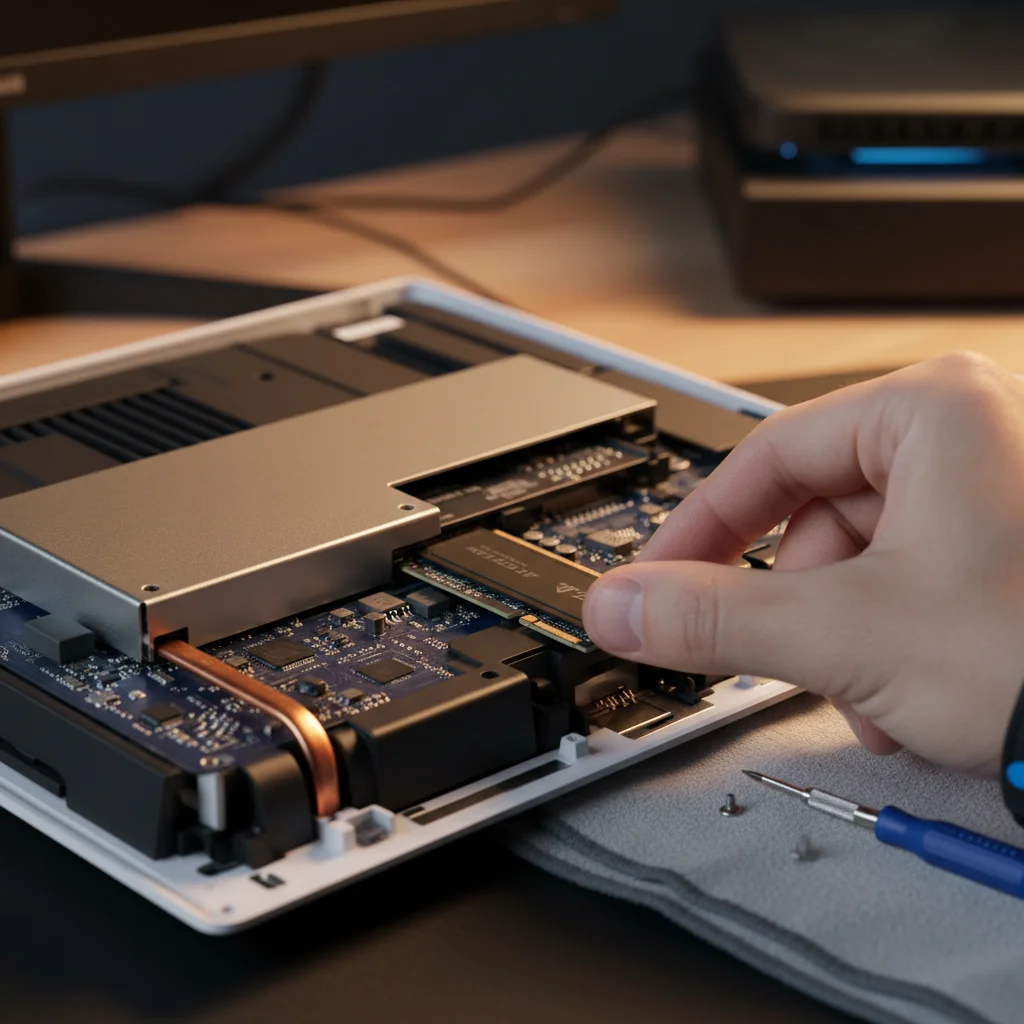
Recommended PS5 M.2 NVMe SSDs for Next-Gen Console Storage:
- Samsung 980 Pro/990 Pro: Consistently top performers, offering excellent speeds and reliability. Available in capacities up to 2TB and 4TB respectively.
- WD_BLACK SN850/SN850X: Another highly-rated option known for its gaming performance. The SN850X offers even better sustained performance. Available up to 4TB.
- Crucial P5 Plus: A more budget-friendly option that still meets the PS5’s speed requirements. Available up to 2TB.
- Seagate FireCuda 530: Known for its extreme endurance and high speeds, often coming with an integrated heatsink. Available up to 4TB.
- Corsair MP600 Pro LPX: Designed with a low-profile heatsink perfect for the PS5’s slot. Available up to 4TB.
To achieve a significant boost in next-gen console storage, combining the internal 825GB with a 4TB M.2 SSD immediately gives you nearly 5TB of ultra-fast storage. If you opt for an 8TB M.2 SSD, you’re looking at close to 9TB of dedicated PS5 game storage. This is a substantial leap towards our 20TB goal.
Xbox Series X/S Storage Expansion: The Seagate Expansion Card and External HDD/SSD Route
Microsoft’s approach for the Xbox Series X/S is different, relying on a proprietary expansion card for next-gen optimised games, alongside support for standard external USB drives for older titles. While the proprietary nature means less choice, it offers a plug-and-play simplicity.
The Xbox Storage Expansion Card:
The official Xbox Storage Expansion Card, currently manufactured by Seagate and Western Digital, is designed to perfectly match the performance of the internal SSD. It plugs into a dedicated slot at the back of the console, offering immediate, seamless expansion for all Xbox Series X/S optimised games, Xbox One, Xbox 360, and original Xbox titles.
- Capacities: Available in 512GB, 1TB, and 2TB.
- Performance: Identical to the internal NVMe SSD, ensuring no compromise on load times or game performance.
- Ease of Use: Truly plug-and-play. No installation required beyond inserting the card.
The primary drawback of the Xbox Storage Expansion Card is its cost per gigabyte, which is generally higher than equivalent PCIe Gen4 NVMe SSDs for the PS5. However, for sheer convenience and guaranteed compatibility, it’s an unrivalled solution for expanding your next-gen console storage on Xbox.
External USB HDDs and SSDs for Xbox:
For Xbox One, Xbox 360, and original Xbox backward-compatible games, as well as current-gen games that haven’t received a specific Series X/S optimisation patch (meaning they don’t require the internal SSD’s speed), external USB hard drives and SSDs are an incredibly cost-effective way to expand your next-gen console storage. These drives connect via the USB 3.0 ports on the console.
- External HDDs: Offer the best cost-per-gigabyte. You can easily find 4TB, 8TB, or even 16TB external HDDs. These are perfect for archiving older games or current-gen games you’re not actively playing (you can transfer them to the internal SSD or expansion card when you want to play them).
- External SATA SSDs: Faster than HDDs, these can significantly reduce load times for older games and are also great for archiving. They are more expensive than HDDs but still far cheaper than the official expansion card.
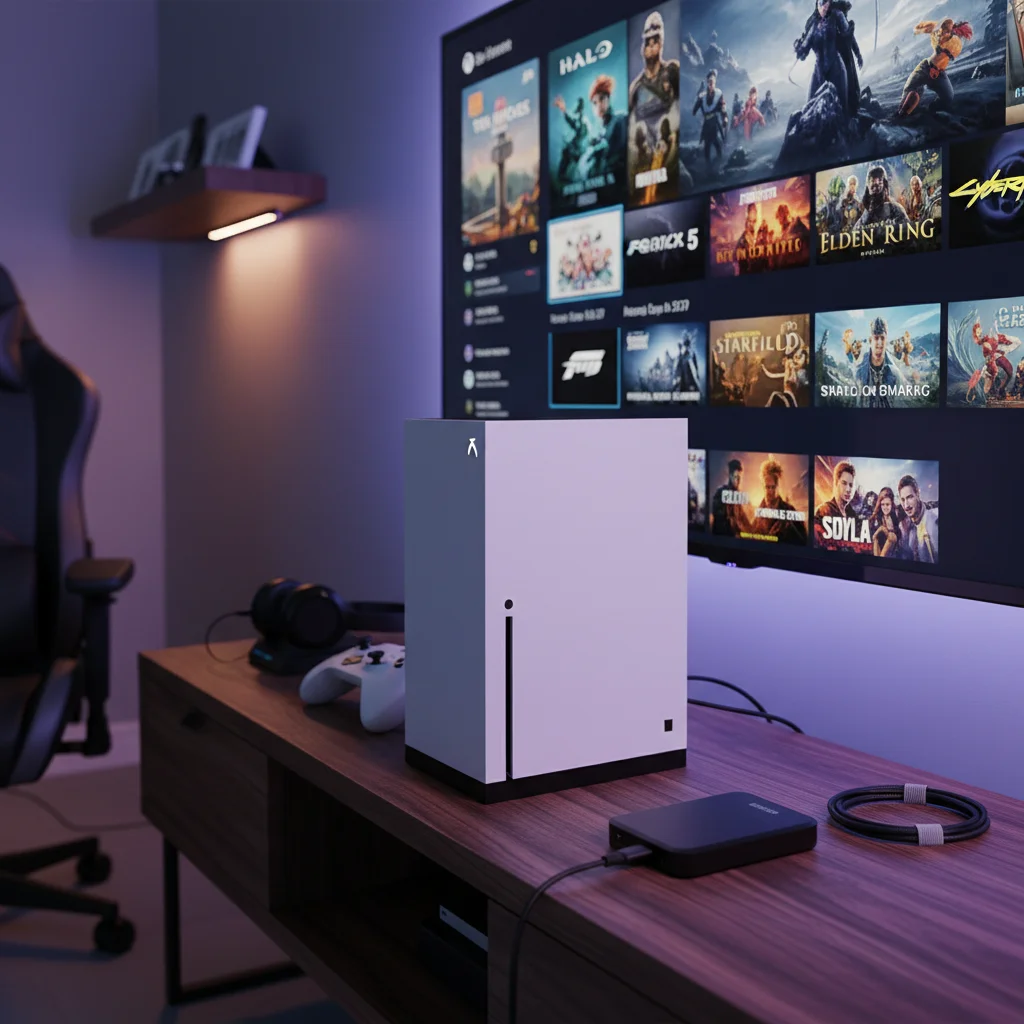
Recommended Xbox External Drives for Next-Gen Console Storage:
- Seagate Game Drive for Xbox (HDD): Available in capacities up to 8TB, specifically designed and branded for Xbox.
- WD_BLACK P10 Game Drive (HDD): Another excellent option, offering robust performance for external HDDs, available up to 5TB.
- Samsung T7 Shield Portable SSD (External SSD): A durable and fast external SSD, ideal for faster loading of older titles and quick transfers. Available up to 4TB.
- Crucial X8 Portable SSD (External SSD): A good balance of speed and price for an external SSD. Available up to 4TB.
To reach significant next-gen console storage on Xbox, a combination is key. For example, the internal 1TB (usable ~802GB) + a 2TB Expansion Card + an 8TB external HDD = over 10TB. Adding another 8TB external HDD pushes you closer to the 20TB mark, albeit with the understanding that only games on the internal or expansion card will run at full Series X/S speed.
Strategies for Reaching 20TB of Next-Gen Console Storage
Achieving 20TB of usable next-gen console storage requires a multi-pronged approach, leveraging both internal and external solutions. Here’s how to craft your ultimate storage setup for both PS5 and Xbox Series X/S:
For PlayStation 5:
- Base PS5 Internal (825GB, ~667GB usable): Your starting point.
- High-Capacity M.2 NVMe SSD: Install an 8TB PCIe Gen4 NVMe SSD with a heatsink. This immediately brings your total ultra-fast next-gen console storage to approximately 8.6TB.
- External USB HDD/SSD for PS4 Games & Archiving: Connect a large external USB 3.0 HDD. You can find 8TB, 10TB, or even 16TB drives. This drive can store all your PS4 games, which run perfectly fine from external storage on the PS5. It can also serve as an archive for PS5 games you’re not currently playing, allowing you to quickly transfer them back to the internal or M.2 SSD when needed.
Example PS5 20TB+ Setup:
– PS5 Internal: ~0.6TB
– M.2 NVMe SSD: 8TB
– External USB HDD: 12TB (e.g., Western Digital Elements Desktop Hard Drive)
Total: ~20.6TB of next-gen console storage.
For Xbox Series X/S:
- Base Xbox Internal (1TB/512GB, ~802GB/~362GB usable): Your starting point.
- Xbox Storage Expansion Card: Add a 2TB Xbox Storage Expansion Card. This brings your total ultra-fast next-gen console storage to approximately 2.8TB (for Series X).
- Multiple External USB HDDs/SSDs: Connect two high-capacity external USB 3.0 HDDs. For example, two 8TB drives. These will house your vast library of Xbox One, Xbox 360, and original Xbox games, as well as current-gen games that don’t require the internal SSD.
Example Xbox Series X 20TB+ Setup:
– Xbox Series X Internal: ~0.8TB
– Xbox Expansion Card: 2TB
– External USB HDD 1: 8TB
– External USB HDD 2: 8TB
Total: ~18.8TB of next-gen console storage. To hit 20TB exactly, you might consider a larger single external HDD (e.g., 10TB and 8TB) or an additional smaller drive.
Important Note for Xbox: Remember, Xbox Series X/S optimised games *must* be played from the internal SSD or the official Expansion Card. You can *store* them on an external USB HDD/SSD, but you’ll need to transfer them back to the internal or expansion card to play them. This is a crucial distinction when planning your next-gen console storage strategy.
Best Practices for Managing Your Expansive Next-Gen Console Storage
Simply having 20TB of next-gen console storage isn’t enough; effective management ensures optimal performance and longevity.
1. Organise Your Games:
- Categorise: Use your console’s sorting features to group games by type, genre, or status (e.g., ‘Currently Playing,’ ‘Backlog,’ ‘Completed’).
- Prioritise: Keep your most frequently played next-gen titles on the fastest storage (internal/M.2 SSD for PS5, internal/Expansion Card for Xbox).
2. Leverage Archiving:
- PS5: Move PS5 games you’re not actively playing to your external USB HDD. While you can’t play them from there, transferring them back is much faster than re-downloading.
- Xbox: Store all your non-Series X/S optimised games on your external USB HDDs. Store Series X/S optimised games on external drives when not playing them, and transfer them back when you want to dive in.
3. Monitor Storage Usage:
Regularly check your console’s storage settings to see what’s taking up space. This helps identify games you might have forgotten about or large update files that could be cleared.
4. Consider Future Needs:
When investing in next-gen console storage, always think a few years ahead. Games aren’t getting smaller. Buying a slightly larger drive now can save you hassle later.
5. Data Integrity:
Ensure your external drives are kept in a safe, well-ventilated area. Avoid sudden disconnections, especially during data transfers, to prevent corruption. For critical game saves, ensure they are backed up to the cloud (which both PS Plus and Xbox Game Pass Ultimate subscriptions offer).
The Future of Next-Gen Console Storage
As gaming technology continues to advance, so too will storage solutions. We might see even larger capacity M.2 NVMe SSDs becoming more affordable, or perhaps new generations of Xbox Expansion Cards with even greater capacities. Cloud gaming services are also evolving, potentially reducing the need for massive local storage for some users, but for those who demand the highest fidelity and lowest latency, local next-gen console storage will always be paramount.
The ability to expand your next-gen console storage by 20TB or more fundamentally changes the way you interact with your gaming library. No longer are you limited by the confines of the factory-installed SSD. Instead, you gain the freedom to download and keep virtually every game that catches your eye, ensuring your console is always a ready-to-play entertainment hub. Investing in robust next-gen console storage solutions is an investment in an uncompromised, expansive, and utterly enjoyable gaming experience for years to come.
Whether you’re a PlayStation enthusiast or an Xbox aficionado, the path to massive storage is clear. By understanding the specific requirements of your console and strategically combining high-speed internal expansions with capacious external drives, you can build a gaming library that truly knows no bounds. Say goodbye to deletion dilemmas and hello to an era of limitless gaming with your maximised next-gen console storage!