Budget Gaming PC 2026: High-End Performance Under £1000
Building Your Dream Budget Gaming PC in 2026: Achieving High-End Performance for Under £1000
The landscape of PC gaming is constantly evolving, with new technologies and hardware pushing the boundaries of what’s possible. As we look towards 2026, many gamers dream of experiencing the latest titles at their highest settings, but the perceived cost can often be a significant barrier. The good news? Building a powerful budget gaming PC 2026 that delivers high-end performance for under £1000 is not just a pipe dream; it’s an achievable reality with smart planning and component selection.
This comprehensive guide will walk you through every step of the process, from understanding market trends to choosing the right components, optimising your build, and even future-proofing your investment. Our goal is to empower you to construct a machine that not only plays today’s demanding games flawlessly but also holds its own against the titles of tomorrow, all while keeping a keen eye on your budget.
The Evolving Landscape of PC Gaming and Budget Builds
Before diving into specific components, it’s crucial to understand the trends that will shape the budget gaming PC 2026 market. We’re seeing a continuous improvement in performance per pound, driven by fierce competition between Intel, AMD, and NVIDIA. This competition often translates to more accessible powerful hardware, especially in the mid-range segment, which is precisely where our budget lies.
Furthermore, advancements in optimisation techniques, such as upscaling technologies (DLSS, FSR, XeSS) and more efficient game engines, mean that you don’t always need the absolute top-tier hardware to enjoy a fantastic gaming experience. These technologies allow lower-spec GPUs to render games at lower resolutions and then intelligently upscale them to higher resolutions, often with minimal visual degradation, providing a significant performance boost.
Another factor to consider is the increasing popularity of digital game distribution and subscription services. This means less money spent on physical copies and more flexibility in game choice, further enhancing the value proposition of a dedicated gaming machine. With a well-planned budget gaming PC 2026, you’ll be well-positioned to take advantage of these trends.
Defining ‘High-End Performance’ on a Budget
When we talk about ‘high-end performance’ for a budget gaming PC 2026, we’re not necessarily aiming for 4K gaming at 144Hz with ray tracing enabled on every title. Instead, our target is consistent 1080p or 1440p gaming at 60+ frames per second (FPS) on high to ultra settings in most modern AAA titles, with the potential for ray tracing in some less demanding scenarios or with the aid of upscaling technologies. This level of performance offers a truly immersive and smooth gaming experience that satisfies the vast majority of gamers.
Achieving this requires a balanced approach to component selection, ensuring that no single part bottlenecks the others. We’ll focus on getting the most bang for your buck in each category, prioritising components that have the greatest impact on gaming performance.
Strategic Component Selection for Your Budget Gaming PC 2026
Building a budget gaming PC 2026 requires careful consideration of each component. Here’s a breakdown of what to look for, keeping our £1000 limit in mind:
1. The Central Processing Unit (CPU): The Brain of Your Build
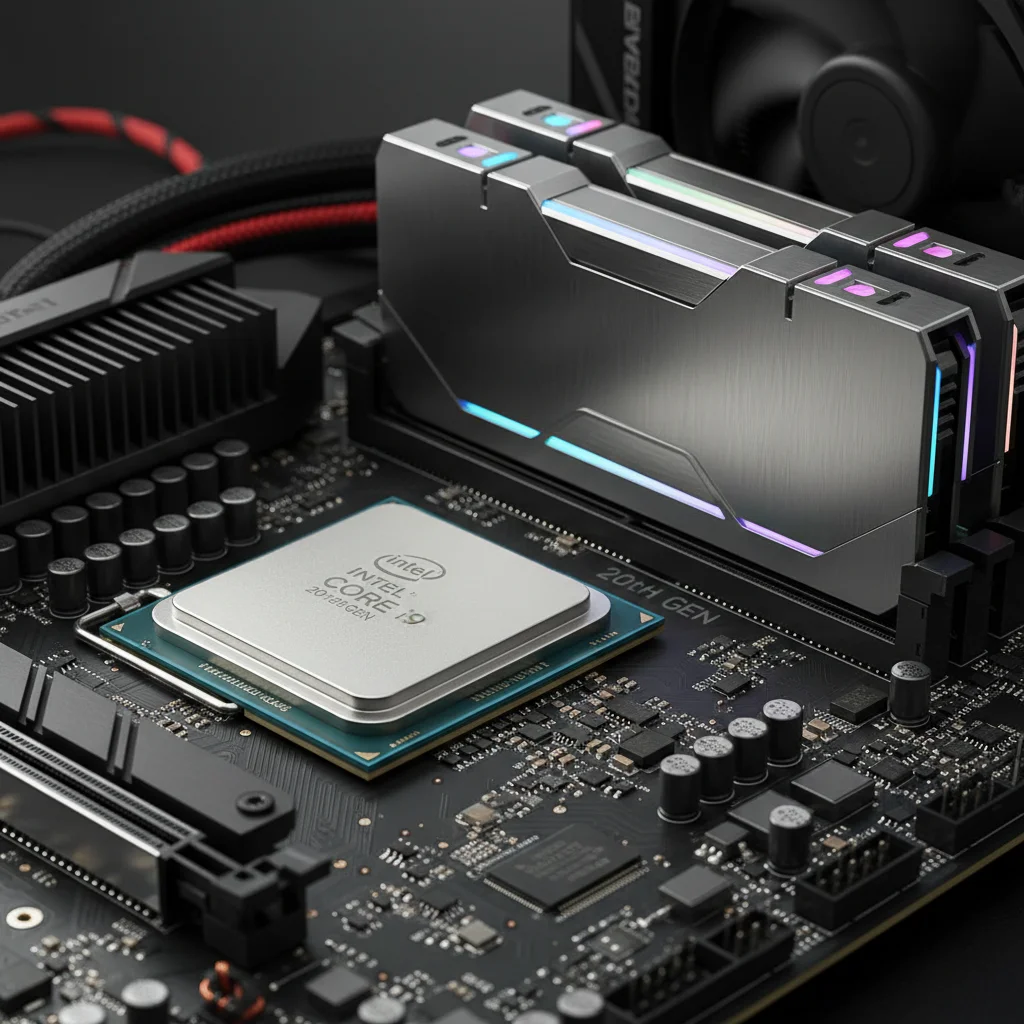
The CPU is vital for overall system performance, handling game logic, AI, physics, and background tasks. For a budget gaming PC 2026, we’ll be looking at mid-range processors that offer excellent multi-core performance for gaming and everyday tasks.
- AMD Ryzen Series: AMD has been highly competitive in the mid-range CPU market. Processors like the Ryzen 5 7600X or even a slightly older Ryzen 5 5600X (if still available at a great price) offer fantastic value. The 7600X, being on the AM5 platform, also provides a better upgrade path for the future.
- Intel Core i5 Series: Intel’s Core i5 processors, such as the Core i5-13600K or a future equivalent in 2026, also present strong contenders. They often deliver excellent single-core performance, which is still beneficial for many games.
Recommendation: Aim for a 6-core, 12-thread CPU. The AMD Ryzen 5 7600X is likely to be a sweet spot in 2026 for price-to-performance, especially if you can find it on sale. Keep an eye on processor generations throughout 2025 and early 2026, as newer models might drop older ones into our budget range.
2. The Graphics Processing Unit (GPU): The Heart of Gaming Performance
This is arguably the most critical component for a gaming PC. The GPU dictates your in-game frame rates and visual fidelity. For our budget gaming PC 2026, we need a GPU that balances cost with performance for 1080p/1440p gaming.
- NVIDIA GeForce RTX 40-series (or future 50-series): Look for cards like the RTX 4060 Ti or potentially a future RTX 5050/5060 if NVIDIA continues its current naming scheme and pricing strategy. These offer good rasterisation performance and access to DLSS and ray tracing.
- AMD Radeon RX 7000-series (or future 8000-series): AMD’s RX 7700 XT or RX 7800 XT are strong competitors, often offering better raw rasterisation performance per pound than their NVIDIA counterparts. They also support FSR (FidelityFX Super Resolution), AMD’s upscaling technology.
Recommendation: This is where a significant chunk of your budget will go. Aim for the best GPU you can afford, ideally an NVIDIA RTX 4060 Ti or an AMD RX 7700 XT/7800 XT equivalent. The market will dictate exact pricing in 2026, but these performance tiers should be accessible under £400-£500. Don’t be afraid to look at last-generation cards if their prices drop significantly with the release of newer models.
3. Motherboard: The Foundation
The motherboard connects all your components. Its choice is primarily dictated by your CPU. For our budget gaming PC 2026, we don’t need a top-tier board, but one that offers essential features and a decent upgrade path.
- For AMD AM5 (Ryzen 7000 series): A B650 chipset motherboard will be ideal. It supports DDR5 RAM, PCIe 5.0 (for future-proofing), and provides good power delivery for mid-range CPUs without breaking the bank.
- For Intel (13th/14th Gen or future): A B760 or H770 chipset board would be suitable, offering a good balance of features and cost. Ensure it supports the correct RAM type (DDR4 or DDR5, depending on your CPU generation and budget).
Recommendation: Don’t overspend on a motherboard. A solid B-series chipset board from a reputable brand (ASUS, MSI, Gigabyte, ASRock) will suffice. Look for features like multiple M.2 slots for storage and sufficient USB ports.
4. RAM (Random Access Memory): Speed and Capacity
RAM is crucial for multitasking and game performance. Modern games benefit significantly from more RAM and faster speeds.
- Capacity: 16GB is the minimum sweet spot for gaming in 2026. 32GB would be ideal for future-proofing and more demanding titles/applications, but might push our £1000 budget.
- Speed: For DDR4, aim for 3200MHz to 3600MHz. For DDR5 (which will be standard with newer CPUs), 5600MHz to 6000MHz CL30 or CL32 is excellent value.
Recommendation: 16GB (2 x 8GB) of DDR5 RAM at 6000MHz CL30 if using an AM5 or compatible Intel platform. If you’re on a DDR4 platform, 16GB (2 x 8GB) at 3600MHz CL16/CL18. Two sticks are always better than one for dual-channel performance.
5. Storage: Speed and Space
Gone are the days of mechanical hard drives for gaming OS and primary games. SSDs are a must-have for fast loading times and a responsive system.
- Primary Drive: NVMe SSD: A 1TB NVMe PCIe Gen 4 SSD is the ideal choice for your operating system and frequently played games. These offer lightning-fast speeds compared to SATA SSDs. Brands like Crucial, Western Digital, Samsung, and Kingston offer excellent options.
- Secondary Drive (Optional): If your budget allows or if you have a vast game library, a secondary 1TB or 2TB SATA SSD could be added for additional storage. However, for a strict budget gaming PC 2026, a single 1TB NVMe is usually sufficient to start.
Recommendation: A 1TB NVMe PCIe Gen 4 SSD. Prices for these have become very competitive, making them a cornerstone of any modern budget build.
6. Power Supply Unit (PSU): Reliable Power
Do not skimp on the PSU. A reliable power supply protects your components and ensures system stability. Over-specifying slightly can also provide headroom for future upgrades.
- Wattage: Calculate your system’s power draw (online calculators are helpful) and add a buffer. For our budget gaming PC 2026, a 650W to 750W 80 PLUS Bronze or Gold rated PSU should be ample.
- Brand Reputation: Stick to reputable brands like Corsair, Seasonic, be quiet!, Cooler Master, or EVGA.
Recommendation: A 650W or 750W 80 PLUS Bronze/Gold rated PSU from a trusted manufacturer. Modular or semi-modular PSUs can also help with cable management, though they might be slightly more expensive.
7. Case: Airflow and Aesthetics
The case isn’t just about looks; good airflow is crucial for keeping your components cool and performing optimally.
- Airflow: Look for cases with mesh front panels or ample ventilation.
- Size: Ensure it can accommodate your chosen motherboard and GPU.
- Features: USB 3.0/3.1 ports on the front panel, dust filters, and good cable management options are desirable.
Recommendation: A mid-tower ATX case with good airflow and pre-installed fans (at least two, one front intake and one rear exhaust). Brands like Phanteks, Fractal Design, Lian Li, and Cooler Master offer excellent budget-friendly options.
Putting It All Together: A Sample Budget Gaming PC 2026 Build (£1000 Target)
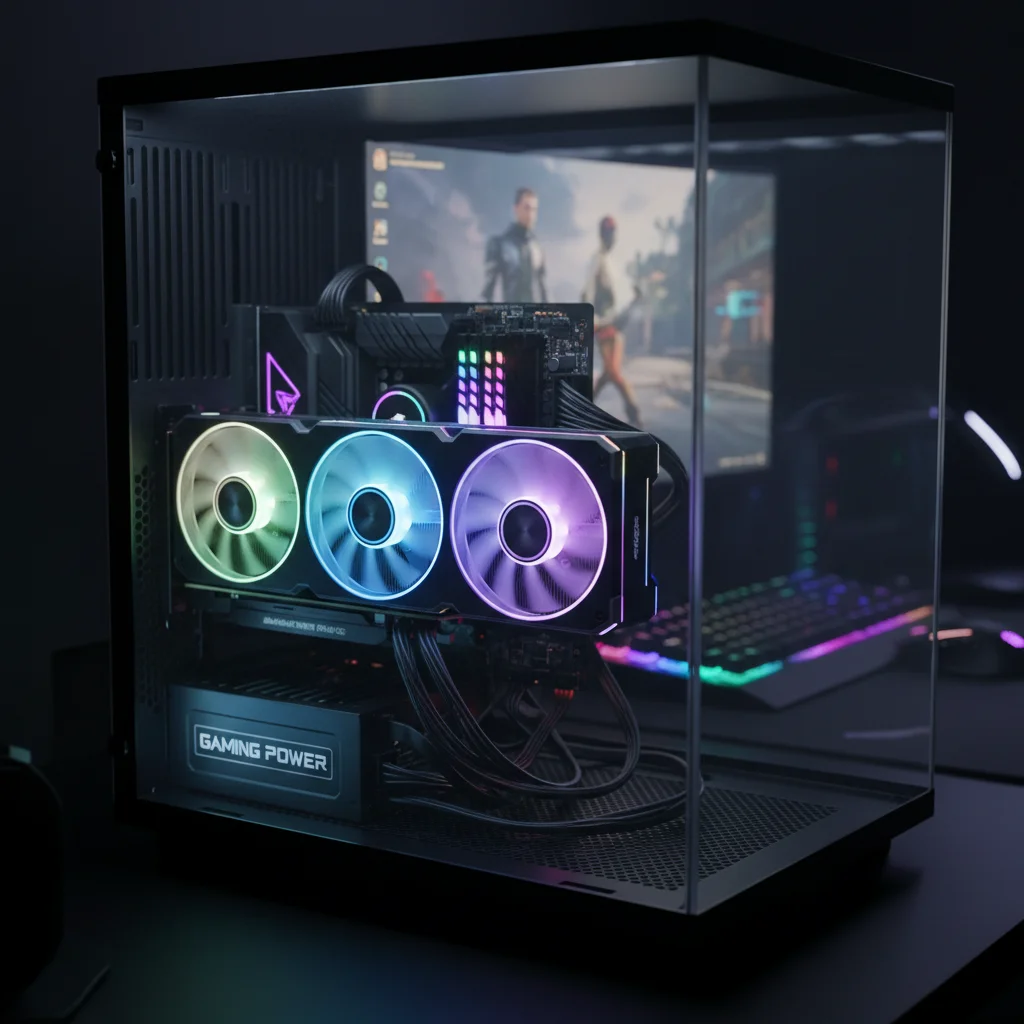
Here’s a hypothetical breakdown of a budget gaming PC 2026 build, keeping in mind that prices fluctuate and new components emerge. This serves as a template for your own research:
- CPU: AMD Ryzen 5 7600X (£200-£250)
- CPU Cooler: Peerless Assassin 120 SE (or similar budget air cooler) (£35-£45) – Stock coolers are often inadequate for gaming.
- Motherboard: Gigabyte B650M DS3H (£150-£170)
- RAM: G.Skill Flare X5 16GB (2x8GB) DDR5-6000 CL30 (£70-£85)
- Storage: Crucial P5 Plus 1TB NVMe PCIe Gen 4 SSD (£60-£80)
- GPU: AMD Radeon RX 7700 XT 12GB (£380-£420) OR NVIDIA GeForce RTX 4060 Ti 8GB (£380-£420)
- PSU: Corsair RM650e 650W 80 PLUS Gold (£70-£90)
- Case: Montech AIR 903 MAX (or similar good airflow case) (£60-£75)
Estimated Total: £1025 – £1185 (without GPU, £645 – £765)
As you can see, hitting exactly £1000 will require some smart shopping, potentially waiting for sales, or making minor compromises. However, this build demonstrates that excellent performance is within reach. The GPU is the most variable component price-wise, and often the one to watch for deals.
Operating System and Peripherals
Remember that the £1000 budget typically does not include the operating system (Windows), monitor, keyboard, or mouse. You can often find discounted Windows keys or use the free unactivated version with some limitations. For peripherals, start with basic but functional options and upgrade over time.
Optimising Your Budget Gaming PC 2026 for Maximum Performance
Building the PC is just the first step. To truly get high-end performance from your budget gaming PC 2026, optimisation is key.
1. BIOS/UEFI Settings
- Enable XMP/EXPO: This ensures your RAM runs at its advertised speeds. It’s often disabled by default.
- Update BIOS: Keep your motherboard’s BIOS/UEFI updated for the latest compatibility and performance improvements.
2. Software Optimisation
- Driver Updates: Always keep your GPU drivers (NVIDIA GeForce Experience or AMD Adrenalin Software) and chipset drivers updated.
- Windows Settings: Use Windows’ ‘Game Mode’, disable unnecessary background apps, and ensure your power plan is set to ‘High Performance’.
- Game Settings: Experiment with in-game settings. Often, a slight reduction in a single setting (e.g., shadows or anti-aliasing) can yield significant FPS gains with minimal visual impact. Utilise upscaling technologies (DLSS/FSR/XeSS) whenever available.
- Bloatware: Uninstall any unnecessary software that comes pre-installed on Windows or with your components.
3. Cooling and Airflow
Good cooling prevents thermal throttling, ensuring your CPU and GPU maintain their boost clocks for longer. Ensure your case fans are correctly configured for optimal airflow (front intake, rear/top exhaust). Monitor temperatures with software like HWMonitor or MSI Afterburner.
Future-Proofing Your Investment
While a budget gaming PC 2026 is built with current-gen value in mind, some choices can extend its lifespan and ease future upgrades:
- Platform Choice: Opting for an AM5 platform (AMD Ryzen 7000 series) provides a guaranteed upgrade path for future generations of AMD CPUs, potentially without needing a new motherboard.
- PSU Headroom: A slightly higher wattage PSU (e.g., 750W instead of 650W) gives you flexibility for a more powerful GPU down the line.
- M.2 Slots: A motherboard with multiple M.2 slots allows for easy storage expansion.
- DDR5 RAM: While DDR4 systems might still be viable, DDR5 is the future, offering higher bandwidth and future compatibility.
These considerations don’t significantly increase the initial cost but can save you money and hassle in the long run, making your budget gaming PC 2026 a smarter investment.
Where to Buy Components
Finding the best deals is crucial for a budget gaming PC 2026. Here are some places to look in the UK:
- Online Retailers: Amazon UK, Scan Computers, Overclockers UK, Ebuyer, CCL Computers, Novatech.
- Price Comparison Sites: PCPartPicker UK is invaluable for checking compatibility and comparing prices across multiple retailers.
- Sales Events: Black Friday, Cyber Monday, Amazon Prime Day, and seasonal sales are excellent times to snag discounts.
- Second-Hand Market (with caution): eBay, Gumtree, or local hardware forums can offer great deals on used components, especially GPUs, but always exercise caution and verify sellers.
Patience can be a virtue here. If you’re not in a rush, monitoring prices for a few weeks can often lead to significant savings.
Common Pitfalls to Avoid
Even with careful planning, some common mistakes can derail a budget gaming PC 2026 build:
- Bottlenecking: Pairing an extremely powerful GPU with a very weak CPU (or vice-versa) limits overall performance. Aim for a balanced build.
- Cheap PSU: As mentioned, a low-quality PSU can fail prematurely and even damage other components.
- Insufficient Cooling: Overheating components lead to thermal throttling, reducing performance and potentially shortening component lifespan.
- Ignoring Compatibility: Always double-check that all your chosen components are compatible (CPU socket with motherboard, RAM type, case size for GPU, etc.). PCPartPicker is excellent for this.
- Impulse Buying: Stick to your budget and plan. Don’t get swayed by minor upgrades that push you significantly over budget unless absolutely necessary.
Conclusion: Your High-Performance Budget Gaming PC Awaits
Building a budget gaming PC 2026 that delivers high-end performance for under £1000 is not just feasible, but an incredibly rewarding experience. By understanding the market, making informed choices about components, and optimising your system, you can create a machine that stands tall against much more expensive pre-built systems.
The key is research, patience, and a willingness to learn. Embrace the challenge, enjoy the build process, and prepare to dive into the latest gaming worlds with a powerful and efficient machine you built yourself. Welcome to the future of affordable high-performance gaming!