Advanced PC Gaming Optimisation: Boost FPS 25% by 2026
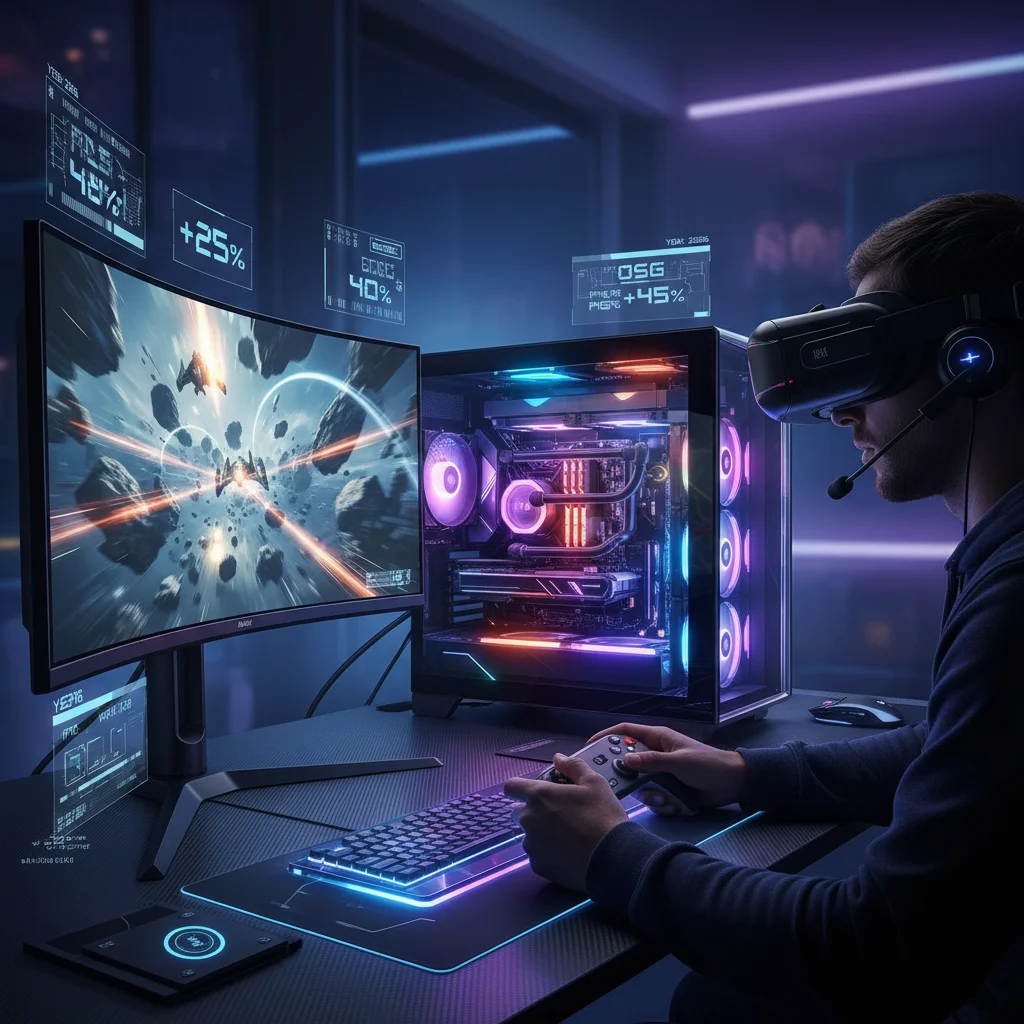
Unlocking Peak Performance: Advanced PC Gaming Optimisation Techniques for 2026, Boosting FPS by 25%
In the ever-evolving landscape of digital entertainment, PC gaming remains at the forefront of technological innovation. As games become more graphically intensive and feature-rich, the demand for superior performance from our gaming rigs escalates. By 2026, simply having a powerful PC might not be enough; true enthusiasts and competitive players will seek every edge possible through advanced PC Gaming Optimisation. This comprehensive guide delves into cutting-edge strategies, hardware enhancements, and software tweaks designed to significantly boost your frames per second (FPS) by up to 25%, ensuring you remain at the pinnacle of gaming excellence.
The quest for higher FPS isn’t merely about bragging rights; it translates directly into a smoother, more responsive, and ultimately more immersive gaming experience. Reduced input lag, sharper visuals, and the ability to react faster to in-game events can make all the difference in competitive scenarios. This article will serve as your definitive roadmap to achieving unparalleled gaming performance in the coming years, focusing on methodologies that go beyond basic settings adjustments.
The Foundation: Understanding Your Gaming Rig’s Potential
Before diving into specific optimisation techniques, it’s crucial to have a clear understanding of your current system’s capabilities and limitations. A thorough audit of your hardware components – CPU, GPU, RAM, and storage – provides the baseline for any effective PC Gaming Optimisation strategy. Identifying bottlenecks is the first step towards unlocking your system’s full potential.
CPU: The Brain of Your Operation
Your Central Processing Unit (CPU) is responsible for handling game logic, AI, physics, and sending instructions to the GPU. While modern games are increasingly GPU-bound, a weak CPU can still bottleneck even the most powerful graphics card. For 2026, multi-core performance is paramount, with games leveraging more threads than ever before. Ensure your CPU has enough cores and threads to handle complex game environments and background applications simultaneously.
- Monitoring CPU Usage: Utilise tools like Task Manager (Windows) or third-party software (e.g., HWMonitor, MSI Afterburner) to observe CPU load during gaming. High CPU usage (consistently above 80-90%) can indicate a bottleneck.
- Overclocking (Carefully): If your CPU and motherboard support it, a stable overclock can provide a noticeable performance boost. However, this requires adequate cooling and careful voltage adjustments to avoid instability or damage.
- Core Prioritisation: In some cases, setting game processes to ‘High’ priority in Task Manager can allocate more CPU resources, though this should be used judiciously as it can impact system stability.
GPU: The Heart of Visuals
The Graphics Processing Unit (GPU) is arguably the most critical component for gaming performance, especially at higher resolutions and graphical settings. It renders everything you see on screen, from textures and lighting to complex particle effects. Significant FPS gains often come from optimising your GPU settings and ensuring it’s operating at peak efficiency.
- Driver Updates: Regularly updating your graphics drivers (NVIDIA GeForce Game Ready Drivers, AMD Adrenalin Software) is non-negotiable. Manufacturers constantly release optimisations for new games and general performance improvements.
- In-Game Settings: This is where most immediate FPS gains can be found. Experiment with settings like texture quality, shadow detail, anti-aliasing, and ambient occlusion. Often, a slight reduction in one or two demanding settings can yield substantial FPS increases without a major visual downgrade.
- GPU Overclocking: Similar to CPUs, GPUs can be safely overclocked using software provided by manufacturers (e.g., MSI Afterburner, EVGA Precision X1). This involves increasing clock speeds for the core and memory, leading to more frames. Always monitor temperatures closely.
- NVIDIA DLSS/AMD FSR: Leverage AI-powered upscaling technologies. DLSS (Deep Learning Super Sampling) and FSR (FidelityFX Super Resolution) render games at a lower resolution and then intelligently upscale them to your target resolution, offering significant FPS boosts with minimal visual fidelity loss, especially at 1440p and 4K.
RAM: The System’s Short-Term Memory
While often overlooked, sufficient and fast Random Access Memory (RAM) is vital for smooth gaming. Insufficient RAM can lead to stuttering as your system constantly swaps data between RAM and slower storage (page file). For 2026, 16GB is the recommended minimum, with 32GB becoming increasingly beneficial for demanding titles and multitasking.
- RAM Speed: Ensure your RAM is running at its advertised speed, usually enabled by XMP (Extreme Memory Profile) or DOCP (Direct Overclock Profile) in your BIOS. Faster RAM can provide measurable FPS improvements, particularly with AMD Ryzen processors.
- Dual Channel Configuration: Always use RAM in a dual-channel configuration (e.g., two 8GB sticks rather than one 16GB) for optimal bandwidth.
- Close Background Applications: Any application running in the background consumes RAM and CPU cycles. Close browsers, streaming apps, and unnecessary utilities before gaming.
Storage: Speed Matters
While storage speed doesn’t directly impact FPS during gameplay, it dramatically affects game loading times and asset streaming. Upgrading to a Solid State Drive (SSD), especially an NVMe SSD, is one of the most impactful upgrades for general system responsiveness and game loading.
- NVMe SSD: If you’re still on an older SATA SSD or, worse, a Hard Disk Drive (HDD) for your games, an NVMe SSD is a crucial upgrade for PC Gaming Optimisation in 2026.
- Keep Drives Optimised: Regularly defragment HDDs (though not SSDs!) and ensure sufficient free space on your game drives.
Advanced Software Optimisation Techniques
Beyond hardware, a myriad of software-based optimisations can squeeze extra performance out of your system. These range from operating system tweaks to specific game configurations.
Operating System Tweaks (Windows 10/11)
Windows offers several built-in features and settings that can be adjusted for better gaming performance.
- Game Mode: Ensure Game Mode is enabled in Windows settings. It prioritises your game’s resources and suppresses background activities.
- Disable Nagle’s Algorithm: For online gamers, disabling Nagle’s Algorithm can reduce latency. This involves a registry edit, so proceed with caution and back up your registry first.
- Power Plan Settings: Set your power plan to ‘High Performance’ or ‘Ultimate Performance’ to ensure your CPU and GPU aren’t being throttled by power-saving features.
- Visual Effects: In ‘Advanced system settings’, under ‘Performance’, choose ‘Adjust for best performance’ to disable unnecessary visual effects that consume resources.
- Startup Programs: Disable unnecessary programs from launching at startup via Task Manager.
- Background Apps: In Windows settings, restrict background app permissions for applications you don’t need running constantly.
Graphics Control Panel Settings (NVIDIA/AMD)
Your GPU’s control panel offers granular control over various rendering settings, allowing for global or per-game optimisations.
- Texture Filtering Quality: Set to ‘High Performance’ or ‘Performance’ for a slight FPS boost.
- Power Management Mode (NVIDIA): Set to ‘Prefer maximum performance’.
- Low Latency Mode (NVIDIA): Experiment with ‘On’ or ‘Ultra’ for reduced input lag, though ‘Ultra’ can sometimes introduce micro-stutters on older hardware.
- Image Sharpening (AMD FidelityFX/NVIDIA Freestyle): These can make games look sharper without a significant performance hit, but use them sparingly as over-sharpening can look unnatural.
- Shader Cache Size: Ensure this is set to a reasonable size (e.g., 10GB for NVIDIA) to prevent stutters from shader compilation.
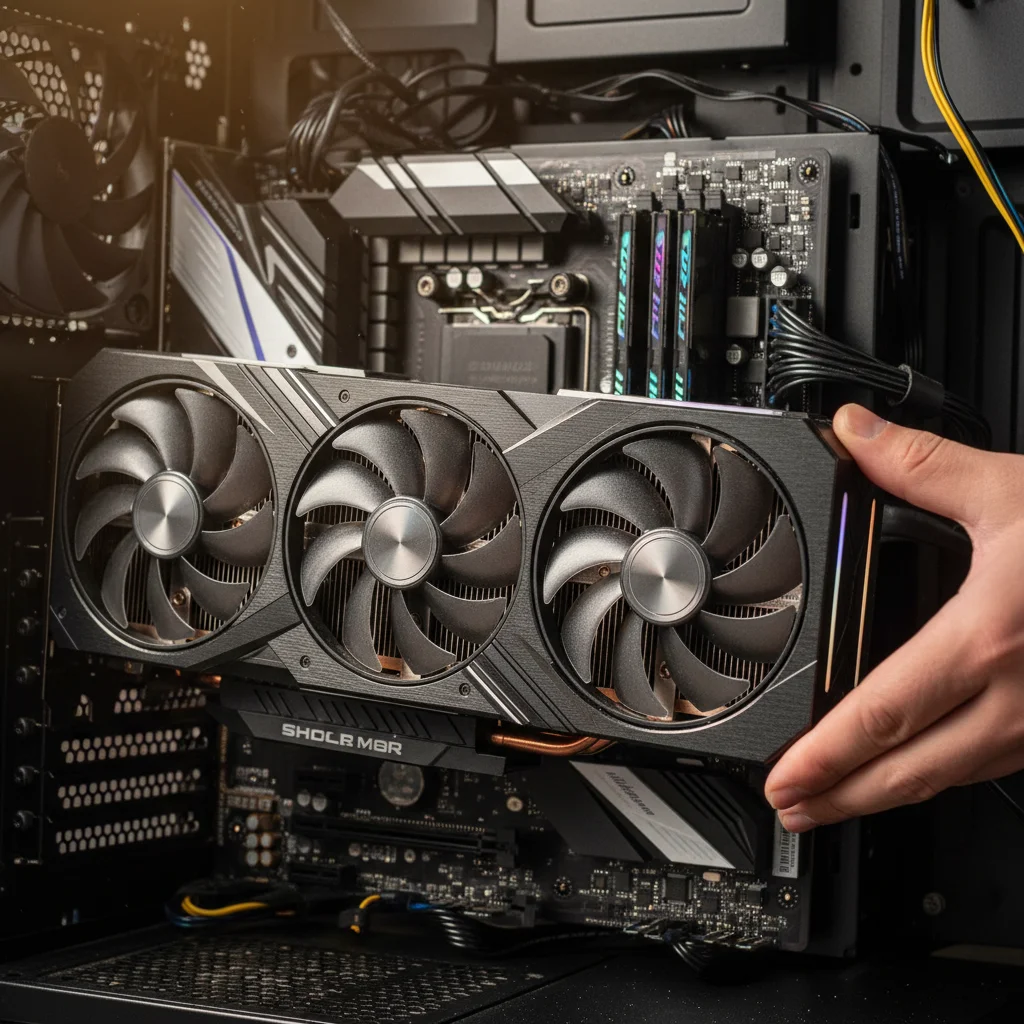
Hardware Upgrades for Future-Proofing and Maximum FPS
While software optimisation is powerful, sometimes hardware upgrades are necessary to achieve truly significant FPS gains and future-proof your system for 2026 and beyond. This is a critical aspect of effective PC Gaming Optimisation.
The GPU Refresh Cycle
The graphics card is the most impactful upgrade for gaming. If your GPU is more than 3-4 years old, a modern equivalent will offer a generational leap in performance. Look for cards with support for the latest APIs (DirectX 12 Ultimate, Vulkan) and technologies like Ray Tracing and DLSS/FSR.
CPU and Motherboard Platform Upgrade
If your CPU is significantly older (e.g., pre-Ryzen 3000 or Intel 8th gen), upgrading the CPU, motherboard, and potentially RAM (if moving to DDR5) can unlock substantial performance, especially in CPU-intensive titles. Consider the latest offerings from Intel and AMD, which boast higher core counts and improved single-core performance.
Faster RAM and More Storage
Transitioning to DDR5 RAM (if your platform supports it) or increasing your DDR4 RAM speed can provide a noticeable uplift. Similarly, ensuring your primary game drive is a fast NVMe SSD is essential for rapid loading and smooth asset streaming.
Cooling Solutions
Effective cooling prevents thermal throttling, where your CPU or GPU reduces its clock speed to prevent overheating, leading to a drop in FPS. Invest in a good air cooler or an All-in-One (AIO) liquid cooler for your CPU, and ensure your PC case has good airflow with adequate fan placement.
Monitoring and Benchmarking Your Performance
To truly understand the impact of your PC Gaming Optimisation efforts, continuous monitoring and benchmarking are essential. This allows you to quantify improvements and identify areas that still need attention.
Real-time Monitoring Tools
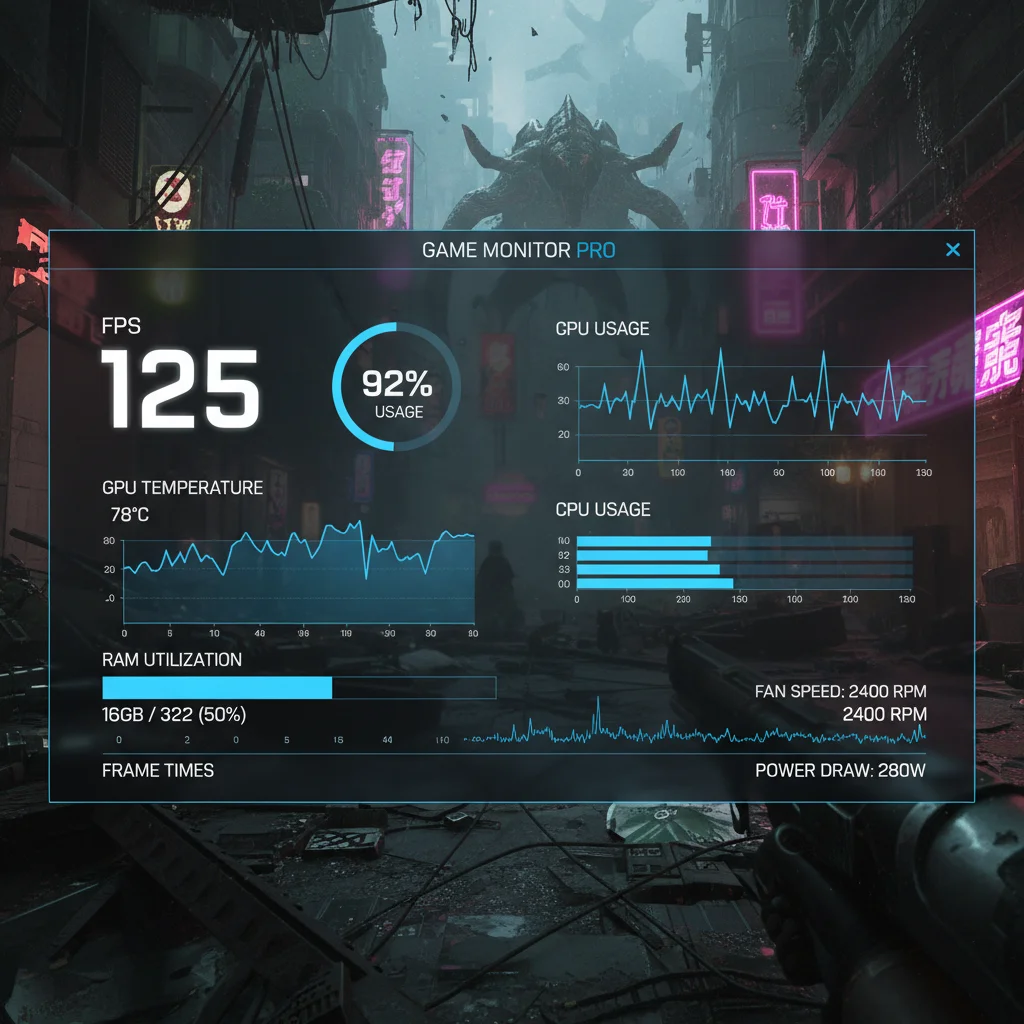
Software like MSI Afterburner, HWMonitor, and NZXT CAM provide real-time overlays displaying crucial metrics such as FPS, CPU/GPU temperatures, usage percentages, and clock speeds. This data is invaluable for diagnosing bottlenecks and verifying the stability of overclocks.
Benchmarking Software and In-Game Benchmarks
Utilise dedicated benchmarking tools (e.g., 3DMark, Unigine Heaven/Superposition) and the built-in benchmarks often found in modern games. Run these benchmarks before and after each major optimisation step to objectively measure performance gains. Document your results to track progress.
Advanced Game-Specific Optimisations
Beyond global settings, many games offer specific configuration files or console commands that can be tweaked for further performance gains.
Configuration File Editing (Config Files)
Some games allow advanced users to edit configuration files (e.g., .ini files) to modify settings not available in the in-game menus. This can include anything from LOD (Level of Detail) distances to shadow render resolutions. Always back up these files before making changes, as incorrect edits can lead to instability.
Console Commands
Many games, especially those built on engines like Unreal Engine or Source, have an in-game console where specific commands can be entered to adjust graphics settings, disable effects, or even improve network performance. Research game-specific commands for popular titles you play.
Modding for Performance
For older games or titles with active modding communities, performance-enhancing mods can be a goldmine. These might include optimised texture packs, stripped-down visual effects, or even community-made patches that improve engine efficiency. Always download mods from reputable sources.
Maintenance and Best Practices for Sustained Performance
PC Gaming Optimisation isn’t a one-time task; it’s an ongoing process. Regular maintenance ensures your system remains in peak condition.
Regular Software Updates
Keep your operating system, drivers, and games updated. Developers and hardware manufacturers constantly release patches and optimisations.
Disk Cleanup and Defragmentation
Regularly run Windows Disk Cleanup to remove temporary files. While SSDs don’t need defragmentation, HDDs benefit from it to keep data contiguous and accessible quickly.
Malware Scans
Malware and viruses can severely degrade system performance. Run regular scans with a reputable antivirus program.
Physical Cleaning
Dust is the enemy of performance. Regularly clean your PC’s internal components – fans, heatsinks, and vents – with compressed air. Dust buildup impedes airflow and leads to higher temperatures and thermal throttling.
Cable Management
Good cable management isn’t just for aesthetics; it improves airflow within your case, contributing to better cooling and sustained performance.
The Future of PC Gaming Optimisation: Trends for 2026
As we look towards 2026, several emerging technologies and trends will redefine PC Gaming Optimisation.
AI and Machine Learning Integration
Beyond current DLSS/FSR implementations, expect deeper AI integration for dynamic resolution scaling, intelligent asset streaming, and even predictive performance adjustments based on your playstyle. AI will become a core component of future graphics pipelines.
DirectStorage and Next-Gen APIs
Microsoft’s DirectStorage API, already present in some games, will become more prevalent. It allows games to load assets directly from NVMe SSDs to the GPU, bypassing the CPU and significantly reducing loading times and improving asset streaming. Paired with next-gen APIs like DirectX 12 Ultimate and Vulkan, this will unlock new levels of efficiency.
Cloud Gaming and Hybrid Architectures
While local PC gaming will remain dominant, hybrid approaches combining local processing with cloud assistance for specific tasks (e.g., complex physics, AI calculations) might emerge, further optimising resource usage.
Advanced Driver-Level Optimisations
Expect GPU manufacturers to continue innovating with driver-level optimisations, potentially offering more sophisticated algorithms for frame generation, latency reduction, and power efficiency that are universally applicable across games.
Conclusion: Achieving Your 25% FPS Boost Goal
Achieving a 25% FPS boost by 2026 through advanced PC Gaming Optimisation is an ambitious yet entirely attainable goal. It requires a holistic approach, combining intelligent hardware choices, meticulous software configuration, and a commitment to ongoing maintenance. By systematically addressing each aspect – from ensuring your CPU and GPU are running at their peak, to leveraging cutting-edge upscaling technologies, and maintaining a clean and efficient operating environment – you can transform your gaming experience.
Remember, the journey of optimisation is continuous. As new games are released and hardware evolves, staying informed and adapting your strategies will be key. Embrace the tools available, experiment with settings, and always prioritise a stable and enjoyable gaming experience. With the insights provided in this guide, you are well-equipped to push the boundaries of your PC’s performance and dominate the digital battlegrounds of 2026 and beyond.