VR Headset Calibration 2026: Boost Immersion, Cut Latency by 15%
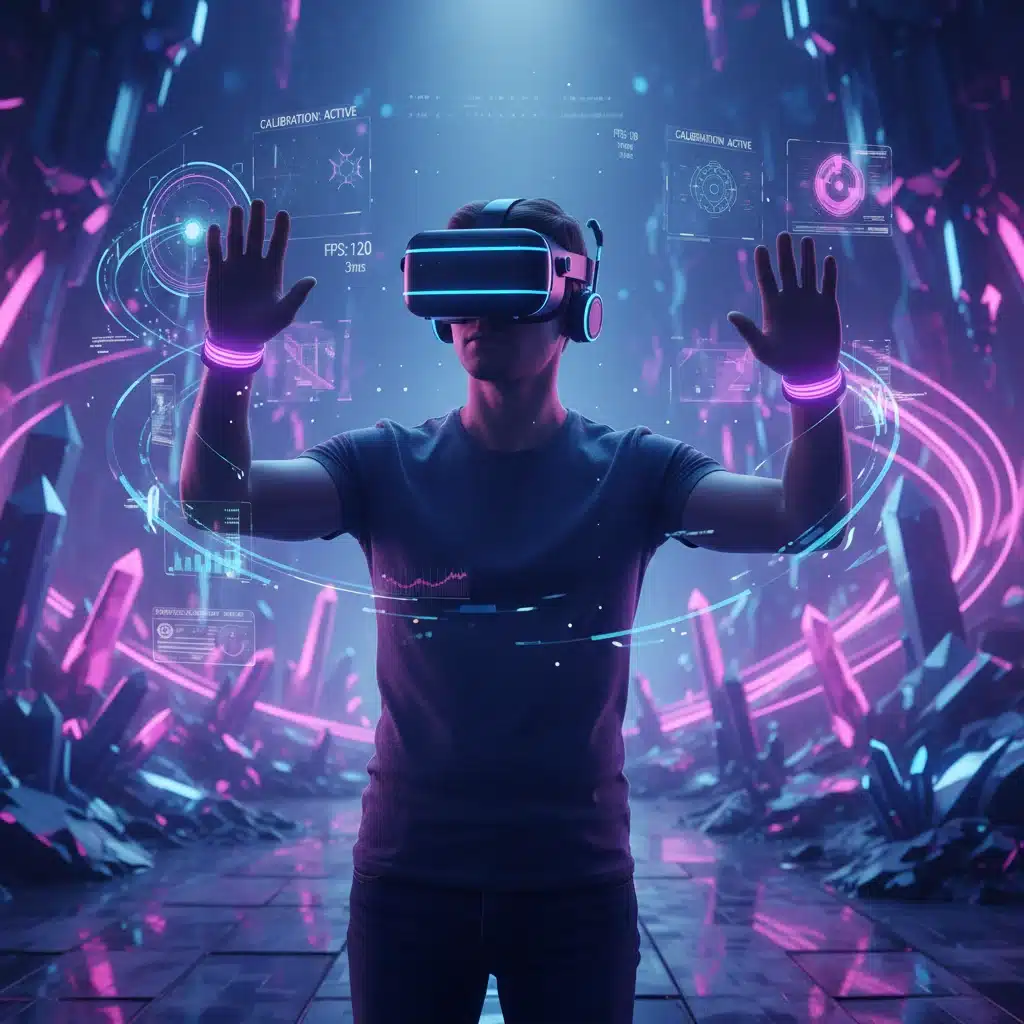
The 2026 Guide to VR Headset Calibration: Maximising Immersion and Reducing Latency by 15%
Welcome to the cutting edge of virtual reality. As we step into 2026, the landscape of VR technology has evolved dramatically, offering experiences that were once confined to science fiction. However, to truly unlock the full potential of your VR system – to achieve unparalleled immersion and reduce that pesky latency by a significant 15% – precise VR headset calibration is no longer just recommended; it’s essential. This comprehensive guide will delve into the advanced techniques and considerations for optimising your VR headset, ensuring you get the most seamless, breathtaking, and responsive virtual experiences possible.
The journey into virtual reality is a deeply personal one, and the quality of that journey hinges on how well your hardware and software are harmonised. A poorly calibrated headset can lead to motion sickness, visual discomfort, and a significant disconnect from the virtual world, diminishing the very essence of what VR aims to deliver. On the other hand, a meticulously calibrated system transforms your digital escapades into vivid, responsive realities. We’re talking about eliminating ghosting, sharpening visuals, and ensuring every head movement translates instantly and accurately into the virtual space. This isn’t just about minor tweaks; it’s about a foundational approach to perfecting your VR setup.
Understanding the Core Principles of VR Headset Calibration in 2026
Before we dive into the ‘how-to’, it’s crucial to understand the ‘why’. VR headset calibration in 2026 encompasses several key areas, each contributing to the overall quality of your experience:
- Optical Calibration: This involves adjusting lens spacing (IPD), focus, and distortion correction to match your unique vision. With advancements in eye-tracking technology, many headsets now offer automated or semi-automated optical calibration, making it easier than ever to achieve crystal-clear visuals.
- Tracking System Calibration: Whether you’re using inside-out tracking, outside-in base stations, or a hybrid system, accurate tracking is paramount. This ensures your physical movements are precisely mirrored in VR, preventing ‘drift’ and enhancing spatial awareness.
- Display and Colour Calibration: Just like a monitor, your VR display benefits from proper colour tuning, brightness, and contrast adjustments. This can significantly impact visual fidelity and reduce eye strain during extended sessions.
- Audio Calibration: Often overlooked, integrated audio systems need proper tuning to provide immersive spatial sound, which is crucial for presence and situational awareness in VR.
- Haptic Feedback Calibration: For systems featuring haptic controllers or suits, calibrating feedback intensity and responsiveness ensures a tactile connection to the virtual world, adding another layer of immersion.
The cumulative effect of optimising these elements is a reduction in perceived latency and a dramatic increase in immersion. Modern VR headsets leverage sophisticated algorithms and hardware, but they still require user input and fine-tuning to reach their peak performance. The goal is to make the virtual world feel as natural and reactive as the real one.
The Evolution of Calibration Tools and Techniques
The days of rudimentary sliders and guesswork are largely behind us. 2026 brings with it a suite of advanced tools and techniques for VR headset calibration. Many high-end headsets now feature integrated eye-tracking cameras that can automatically measure your Interpupillary Distance (IPD) and suggest optimal lens positions. This automation is a game-changer, removing a significant barrier to entry for new users and ensuring consistent comfort and clarity.
Furthermore, AI-driven calibration routines are becoming standard. These intelligent systems can analyse your usage patterns, detect subtle discrepancies in tracking, and even suggest personalised display settings based on your visual preferences and the specific content you’re experiencing. Think of it as having an expert technician constantly optimising your VR setup in the background.
For those who prefer a more hands-on approach, advanced software suites offer granular control over every aspect of your VR experience. These tools allow you to tweak refresh rates, resolution scaling, foveated rendering settings, and even predict motion to smooth out potential jitters. Understanding how to leverage these tools is key to achieving that 15% latency reduction and truly maximising your immersion.
Step-by-Step Guide to Optimal VR Headset Calibration
Let’s break down the process of achieving peak VR headset calibration. Remember, consistency and attention to detail are your best friends here.
1. Initial Hardware Setup and Room Preparation
Before any software calibration, ensure your physical environment is optimised:
- Clear Play Space: Remove any obstacles that could interfere with tracking or pose a physical hazard.
- Lighting Conditions: Avoid direct sunlight or strong, uneven lighting that can confuse tracking sensors. Ambient, diffused lighting is generally best.
- Sensor Placement (for outside-in systems): Ensure base stations or external cameras are securely mounted, within recommended distances, and have a clear line of sight to your play area and headset.
- Cable Management: Securely route all cables to prevent tripping hazards and ensure they don’t tug on the headset or controllers. Wireless VR is becoming more prevalent, but many high-fidelity setups still rely on cables.
2. Optical Calibration: The Gateway to Visual Clarity
This is arguably the most critical step for immersion and comfort.
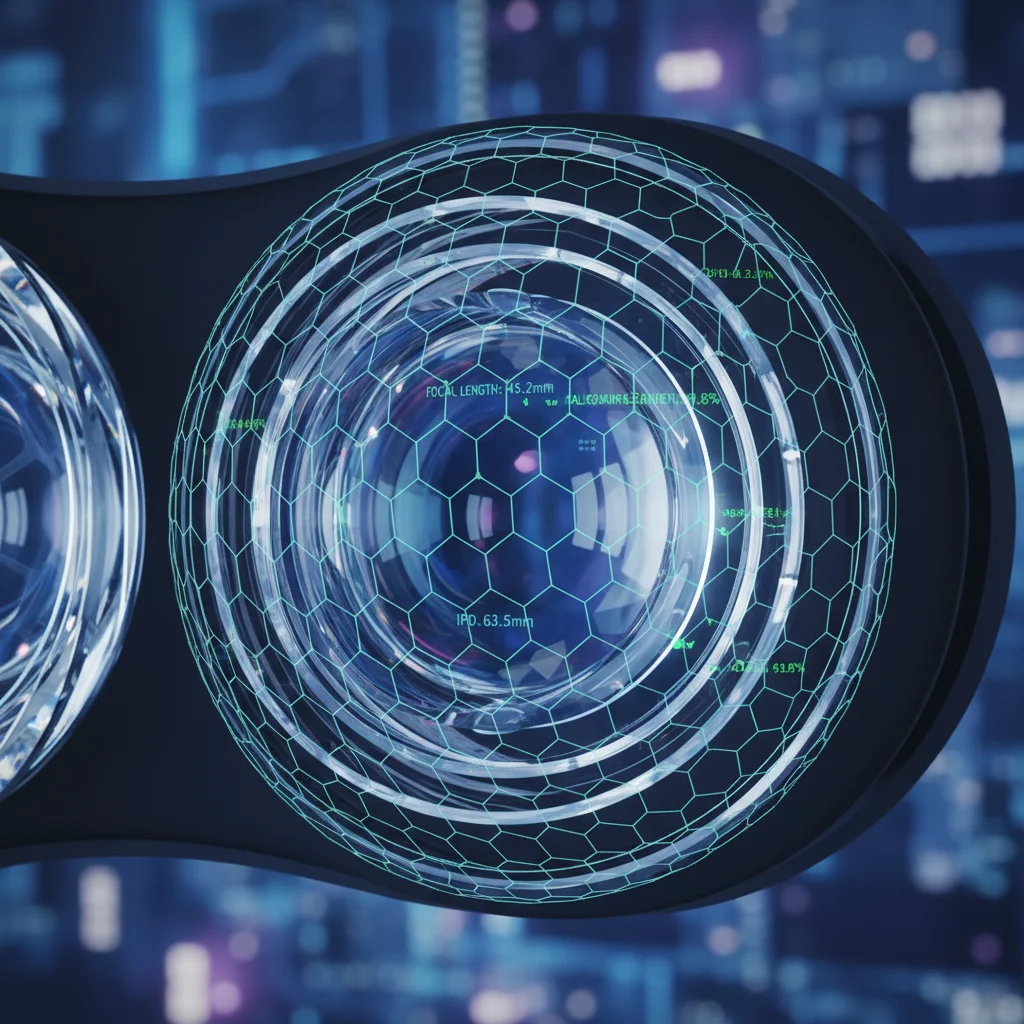
- IPD Adjustment: Most modern headsets have a physical IPD slider or software adjustment. Use the built-in calibration tool (often a crosshair or text display) to adjust until the image is perfectly clear and comfortable for both eyes. If your headset has eye-tracking, let it auto-calibrate.
- Lens Focus/Dioptre (if applicable): If your headset has dioptre adjustments, fine-tune them until the image is sharp without glasses (if you typically wear them for distance viewing).
- Headset Fit: Ensure the headset is snug but comfortable, with the lenses centred over your eyes. Incorrect fit can lead to blurriness even after IPD adjustment.
- Distortion Correction Profiles: Many VR platforms allow you to select or generate distortion correction profiles. These compensate for lens imperfections, ensuring straight lines appear straight and reducing edge blur.
3. Tracking System Calibration: Precision in Motion
Accurate tracking is fundamental to reducing latency and preventing motion sickness.
- Room Setup (Software): Follow your VR platform’s room setup guide diligently. This involves tracing your play space boundaries, defining your ‘forward’ direction, and confirming sensor visibility.
- Controller Pairing and Tracking: Ensure all controllers are correctly paired and their tracking is stable. Check for any ‘drift’ by holding them still in your play space.
- Advanced Tracking Diagnostics: Some platforms offer diagnostic tools to visualise sensor coverage and identify potential tracking dead zones or interference. Use these to fine-tune your sensor placement or play space.
- Recalibration After Changes: Always recalibrate your tracking system if you move your play space, adjust sensor positions, or introduce new reflective surfaces into the environment.
4. Display and Colour Calibration: Vivid Realism
While some headsets offer limited display options, others provide extensive controls.
- Brightness and Contrast: Adjust these to comfortable levels. Too bright can cause eye strain; too dim can obscure details. Aim for a balanced image that doesn’t feel washed out or overly dark.
- Colour Temperature: Experiment with warmer or cooler colour temperatures based on your preference and the content. Neutral is often a good starting point.
- Refresh Rate: Always aim for the highest stable refresh rate your headset and PC can comfortably achieve (e.g., 90Hz, 120Hz). Higher refresh rates directly reduce perceived latency and enhance smoothness.
- Resolution Scaling (Supersampling): If your PC has ample graphical power, increasing the resolution scaling (supersampling) in your VR platform’s settings can dramatically improve visual clarity. Start with small increments (e.g., 120% or 150%) and monitor performance.
- Foveated Rendering Settings: With eye-tracking, foveated rendering can dynamically reduce resolution in your peripheral vision, saving GPU resources while maintaining high fidelity where you’re looking. Calibrate this feature carefully to avoid noticeable visual artefacts.
5. Audio Calibration: The Sound of Immersion
Spatial audio is key to feeling truly present.
- Headphone Fit: Ensure integrated headphones or external headphones are positioned correctly for optimal sound delivery.
- Volume Levels: Adjust to a comfortable volume that allows you to hear subtle environmental cues without being overwhelming.
- Spatial Audio Test: Use built-in or third-party spatial audio demonstrations to ensure sound sources are correctly localised in 3D space. If sounds aren’t coming from the expected directions, check your audio output settings in your operating system and VR platform.
- Equaliser (EQ) Settings: If your headset or audio software provides an EQ, you can fine-tune the sound profile to your liking – boosting bass for impact or enhancing trebles for clarity in dialogue.
6. Haptic Feedback Calibration: Feel the Virtual World
For systems with advanced haptics, this step adds a crucial tactile dimension.
- Intensity Adjustment: Most controllers allow you to adjust the intensity of haptic feedback. Find a level that feels realistic and impactful without being distracting or uncomfortable.
- Responsiveness Test: In VR experiences that feature haptics, pay attention to how well the feedback aligns with in-game events. If there’s a noticeable delay, check for controller firmware updates or potential wireless interference.
- Custom Profiles: Some advanced haptic systems allow for custom feedback profiles for different games or applications. Experiment with these to enhance specific experiences.
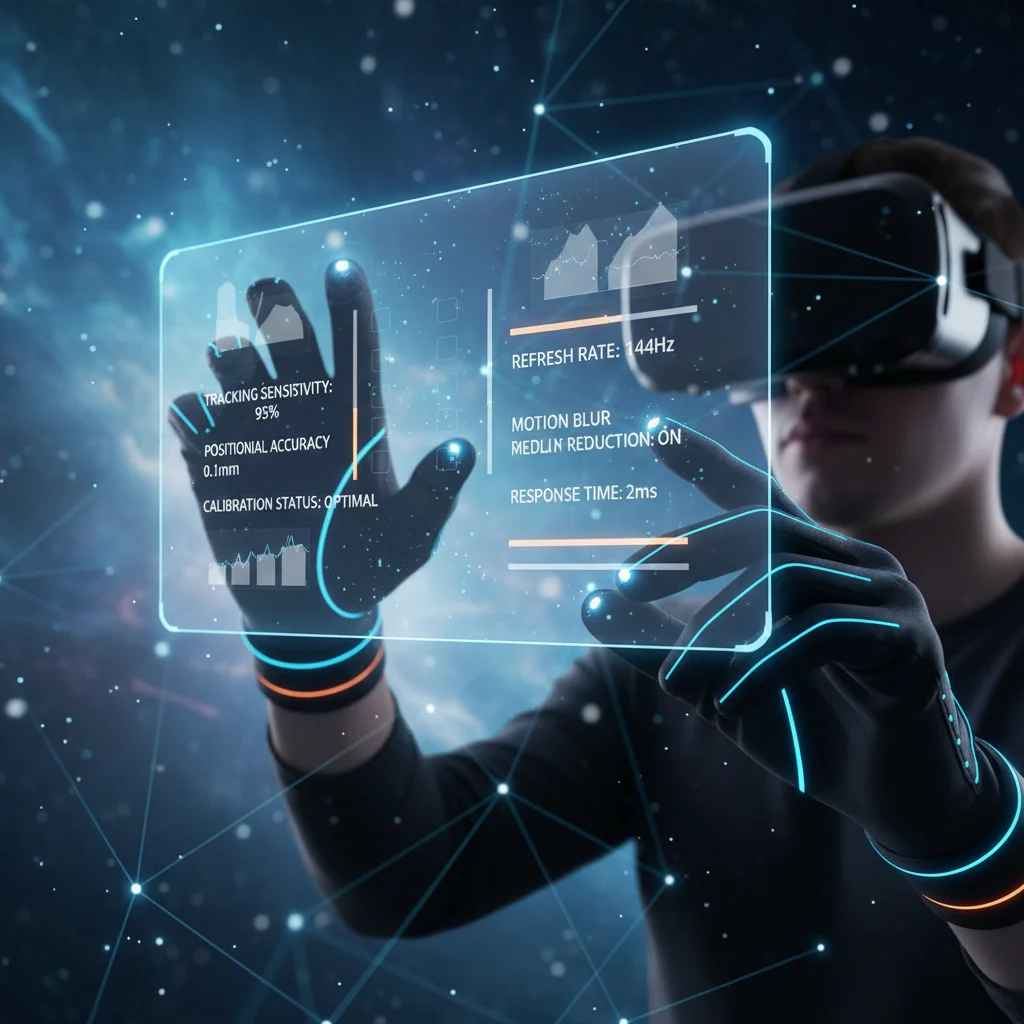
Advanced Techniques for Latency Reduction by 15%
Achieving that 15% reduction in latency isn’t just about basic calibration; it involves a combination of hardware optimisation, software tweaks, and understanding the underlying principles of VR performance. Here’s how to push the boundaries:
a. GPU Optimisation and Driver Updates
Your graphics processing unit (GPU) is the heart of your VR system. Ensure your drivers are always up-to-date. NVIDIA, AMD, and Intel frequently release VR-specific optimisations in their driver packages. Within your GPU control panel (e.g., NVIDIA Control Panel, AMD Adrenalin), ensure power management mode is set to ‘Prefer Maximum Performance’ for VR applications. Experiment with specific game profiles to find the sweet spot between visual quality and performance.
b. Minimising Background Processes
Any background application consuming CPU or GPU cycles can introduce latency. Before diving into VR, close unnecessary applications, disable notifications, and ensure no heavy downloads or updates are running in the background. A clean, focused system environment is crucial for consistent VR performance.
c. Network Optimisation for Wireless VR
For wireless VR streaming solutions (like Meta Quest Link, Virtual Desktop, or Pico streaming), network performance is paramount. Use a dedicated Wi-Fi 6 or Wi-Fi 6E router, ideally connected via Ethernet to your PC. Position the router close to your play space and minimise wireless interference from other devices. Experiment with streaming bitrates – higher bitrates offer better visual quality but demand more network bandwidth and can introduce latency if your network isn’t up to snuff.
d. Asynchronous SpaceWarp (ASW) and Motion Smoothing
These technologies (known by different names across platforms) are designed to smooth out frame rate drops by generating synthetic frames. While incredibly useful, they can introduce a slight increase in latency if constantly active. Calibrate your system to run at a native high frame rate as much as possible, only relying on ASW/Motion Smoothing as a fallback for occasional dips. You can often adjust the threshold at which these technologies engage within your VR platform’s settings.
e. USB Port Optimisation
For wired headsets, the USB port quality matters. Use a USB 3.0 or 3.1 port directly connected to your motherboard, avoiding USB hubs if possible. Ensure your USB drivers are up-to-date. Some motherboards have dedicated ‘VR Ready’ USB ports; utilise these if available.
f. Firmware Updates
Regularly check for firmware updates for your headset, controllers, and any external tracking accessories. Manufacturers often release updates that improve tracking accuracy, display performance, and overall system stability, all of which contribute to lower latency and better immersion.
Maintaining Your VR Headset Calibration Over Time
VR headset calibration isn’t a one-time affair. It’s an ongoing process. Over time, factors like environmental changes, software updates, or even minor bumps to your tracking equipment can subtly degrade performance. Here are some tips for long-term maintenance:
- Regular Checks: Periodically run through your main calibration steps, especially IPD and room setup, to ensure everything is still aligned.
- Environmental Awareness: Be mindful of changes in your play space. New furniture, reflective surfaces, or altered lighting can impact tracking.
- Software Updates: After major VR platform or operating system updates, it’s wise to re-verify your settings and potentially recalibrate.
- Cleaning: Keep your headset lenses clean using only approved microfibre cloths. Smudges and dust can significantly impact visual clarity and focus, mimicking calibration issues.
- Storage: Store your headset safely away from direct sunlight and extreme temperatures, which can damage components and affect calibration stability.
By adopting a proactive approach to maintenance, you ensure that your investment in virtual reality continues to deliver a premium experience, consistently hitting that sweet spot of high immersion and low latency.
The Future of VR Headset Calibration: What’s Next?
As we look beyond 2026, the future of VR headset calibration promises even greater automation and personalisation. We can anticipate:
- Advanced Biometric Integration: Headsets will likely integrate more sophisticated biometric sensors, offering real-time physiological feedback to automatically adjust settings for optimal comfort and immersion, even adapting to fatigue.
- AI-Powered Predictive Calibration: AI will become even more adept at predicting user preferences and environmental changes, making proactive adjustments before any issues arise.
- Cloud-Based Calibration Profiles: Your personalised calibration profiles might be stored in the cloud, allowing for seamless transition between different VR systems or sharing optimal settings with friends.
- Dynamic Content-Aware Calibration: VR experiences themselves could dynamically request specific calibration adjustments from the headset to perfectly match the content’s requirements, ensuring the developer’s vision is accurately conveyed.
These advancements will further democratise high-quality VR experiences, making them accessible and enjoyable for an even broader audience, while still offering granular control for enthusiasts seeking the absolute peak of performance.
Conclusion: Unleash Your Full VR Potential
The world of virtual reality in 2026 is incredibly rich and immersive, but its true magic is only revealed through meticulous VR headset calibration. By diligently following the steps outlined in this guide – from optical adjustments and tracking precision to display tuning and advanced latency reduction techniques – you can transform your VR sessions. The goal is clear: maximise your immersion, reduce latency by that crucial 15%, and experience virtual worlds with unprecedented clarity, responsiveness, and comfort.
Don’t settle for a good VR experience when an exceptional one is within your grasp. Invest the time in understanding and applying these calibration techniques, and you’ll be rewarded with a virtual journey that feels more real, more engaging, and utterly unforgettable. Happy exploring!